Overview and symbols
3066510_202108 WOLF GmbH | 15
4 Overview and symbols
°C
8
°C
%
ppm
888..:
888
8
..:
8888..:
.
1x
.
.
.
+
-
ON
OFF
RH
°C
8
°C
%
ppm
888..:
888
8
..:
8888..:
.
1x
.
.
.
+
-
ON
OFF
RH
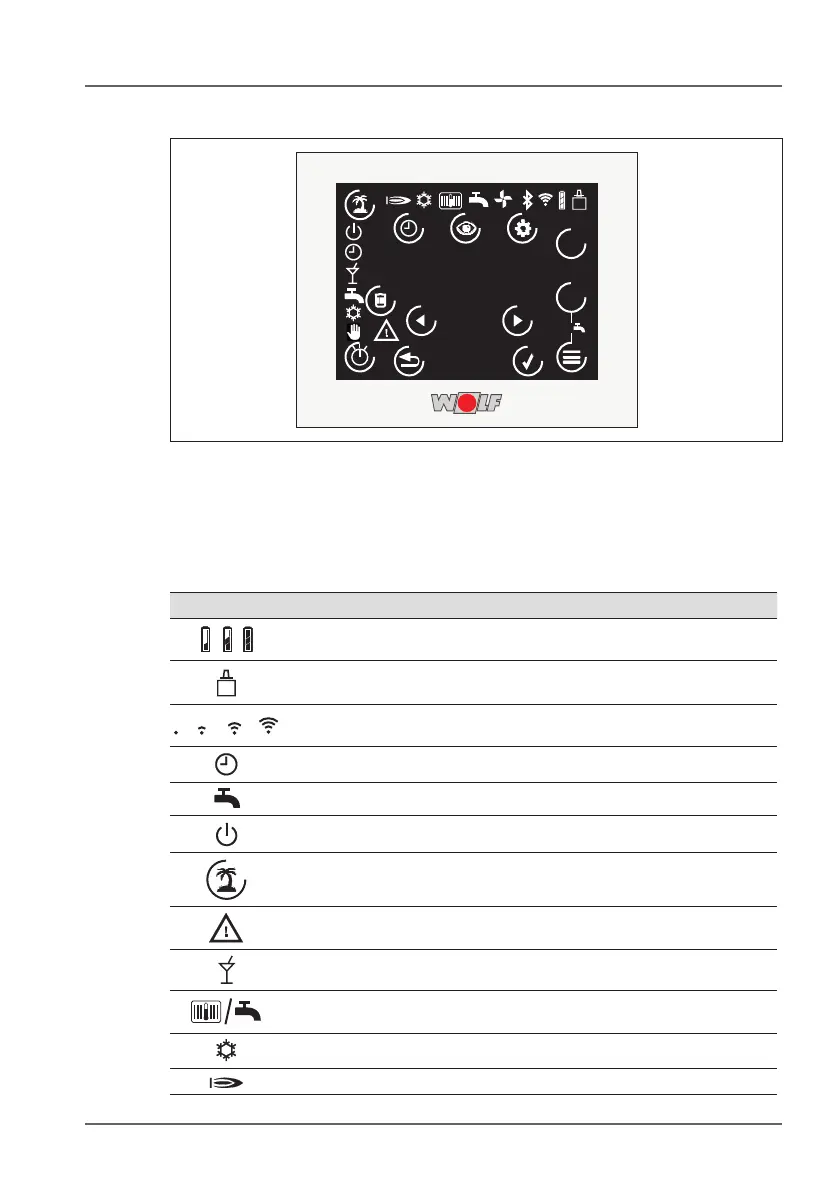
Fig. 4.1 Touchpanel overview
4.1 Symbols in the display
The symbols displayed depend on the operating state.
Symbol Explanation
Battery status
(almost empty - approximately four weeks left / half empty / full)
eBus connection
Wireless connection
(poor / satisfactory / good / very good)
Program selection: Time program
Program selection: Summer mode
Program selection: Standby
Holiday mode (touch key):
Fault
Program selection: Party mode
Indicates whether heating or DHW mode is active and the settings
for the corresponding mode (e.g. heating or hot water time program)
Heating appliance running: Cooling mode
Heating appliance running: Heating or DHW



 To Next Page