Room temperature controller functions
3066510_202108 WOLF GmbH | 29
8 Room temperature controller functions
8.1 Navigation between standard displays heating/DHW
and ventilation
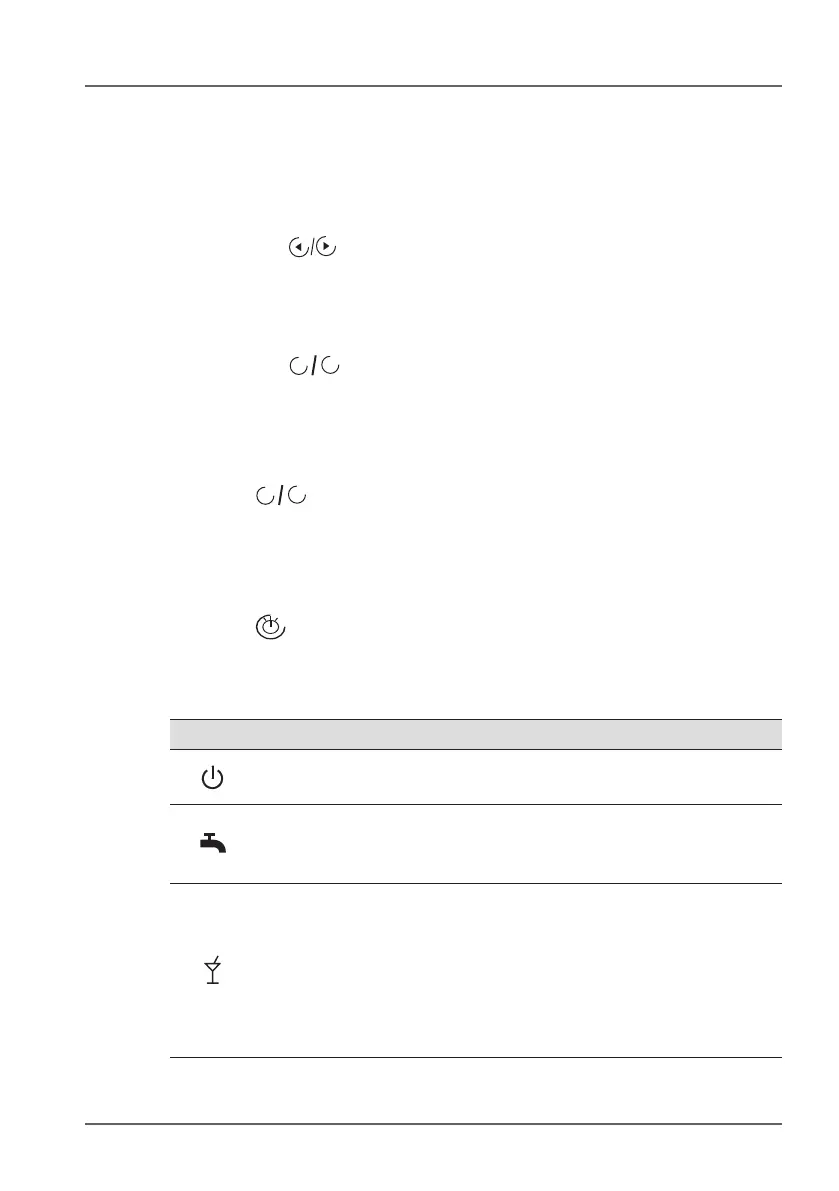
► Press the keys. Arrow keys will only be shown if both areas
(heating/DHW and ventilation) are available.
8.2 Set room temperature
► Press the
+
-
keys in the standard heating/DHW display
Other settings in line with function as remote control!
8.3 Ventilation level
► Press
+
-
keys in the standard ventilation display
Other settings in line with function as remote control!
8.4 Program selection - heating/DHW
► Press key in the standard heating/DHW display (joint program
selector for heating and DHW)!
Other settings in line with function as remote control!
Symbol Function
Standby:
HTG, HCP and DHW off, anti-seizing function active
Continuous operation DHW
DHW enabled, HTG and HCP off, anti-seizing function
active
Party mode: “HTG continuous operation for a limited
period”
Example 1: Heating mode: HTG and HCP on, DHW
unchanged (most recent state).
Example 2: Demand-dependent shutdown: HTG off, HCP
off, DHW unchanged (most recent state).



 To Next Page