General functions
22 | WOLF GmbH 3066510_202108
6.2 Reset
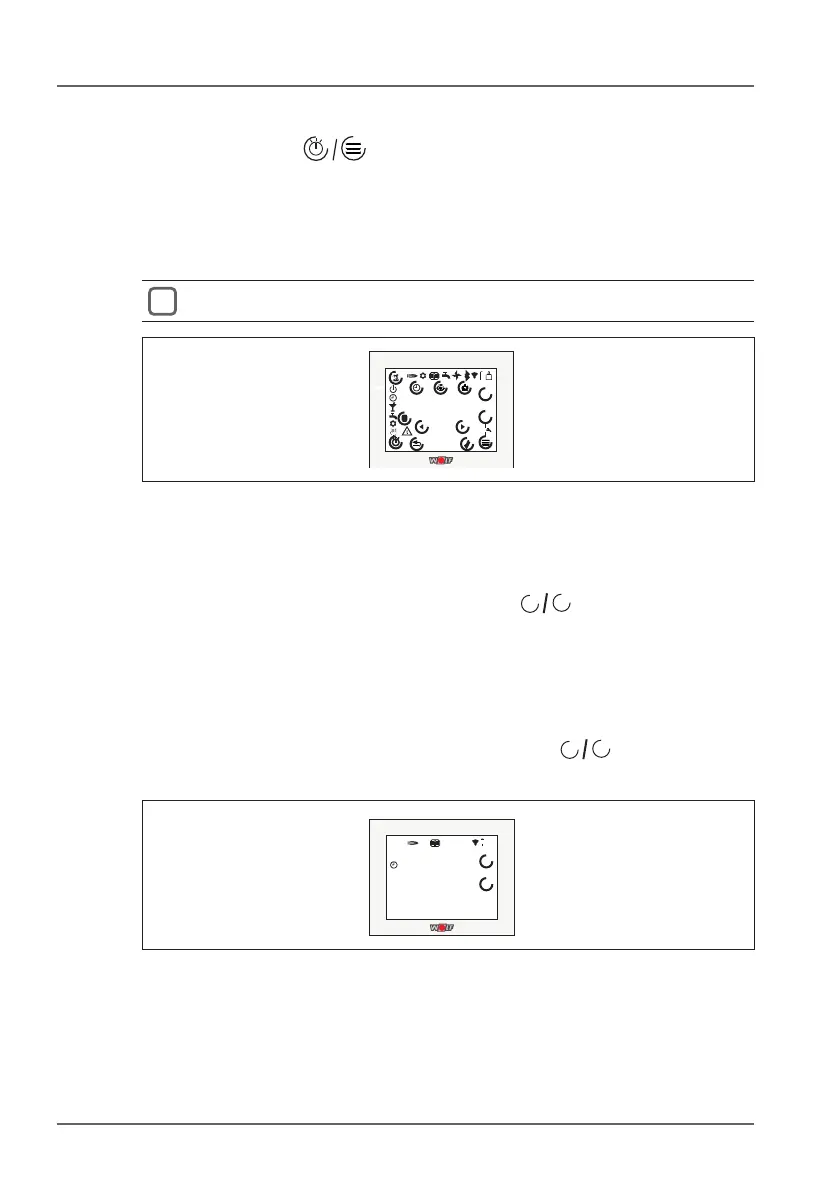
► Hold down the keys for at least 5 seconds. This will work
even if the keys are not visible, but will not work if the button lock
is active.
– “rES” will be shown on the display for ve seconds
– RM-2 will then restart and reinitialise itself
All settings will be erased
°C
r
°C
%
ppm
es8..:
888
8
..:
8888..:
1x
.
.
.
-
+
ON
OFF
RH
Fig. 6.1 Reset
6.3 Key lock
The display can be locked by pressing the
+
-
keys at the same
time for at least ve seconds. This will make it impossible to make
any changes.
The set temperature and set value correction functions will not be
available. The program selector, holiday mode and menu will be
hidden.
To unlock the display, either hold down the two
+
-
keys for at
least ve seconds or restart the RM-2.
°C
8
°C
205..:
8a0
1
..:
1230..:
ON
.
.
.
-
+
Fig. 6.2 Remove key lock



 To Next Page