Appendix
3066510_202108 WOLF GmbH | 51
10.4 Controller owchart - ventilation
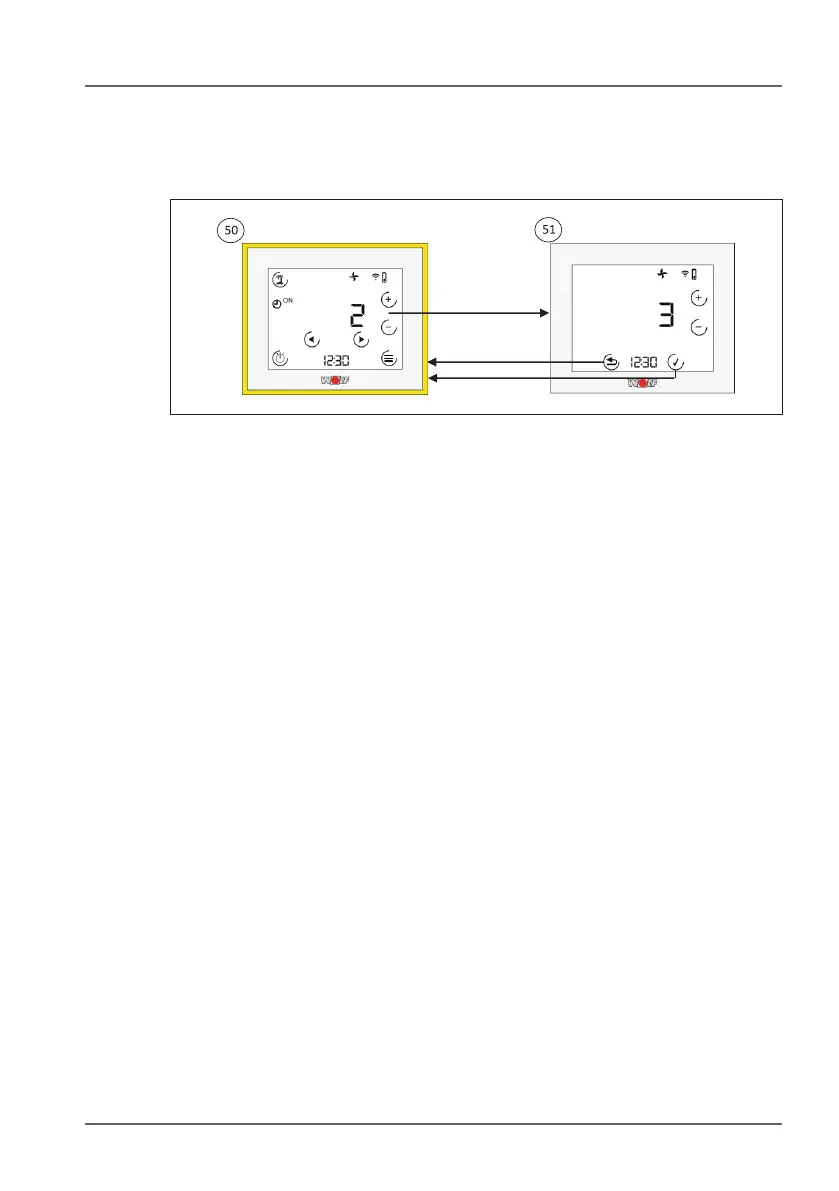
10.4.1 Adjusting the ventilation level
5) Standard display - controller - ventilation. This display includes
the current ventilation level (number + symbol) and the program
selection for the ventilation unit. A number of different sub-menus
are available. Use the arrow keys to switch to the standard
display for heating (if connected) and/or the fault page (if a fault
has occurred).
5! Adjusting the ventilation level. Use the + and - keys to adjust the
ventilation level. The value will ash. Use the tick key to apply the
change or the Back key to discard the change.



 To Next Page