Appendix
48 | WOLF GmbH 3066510_202108
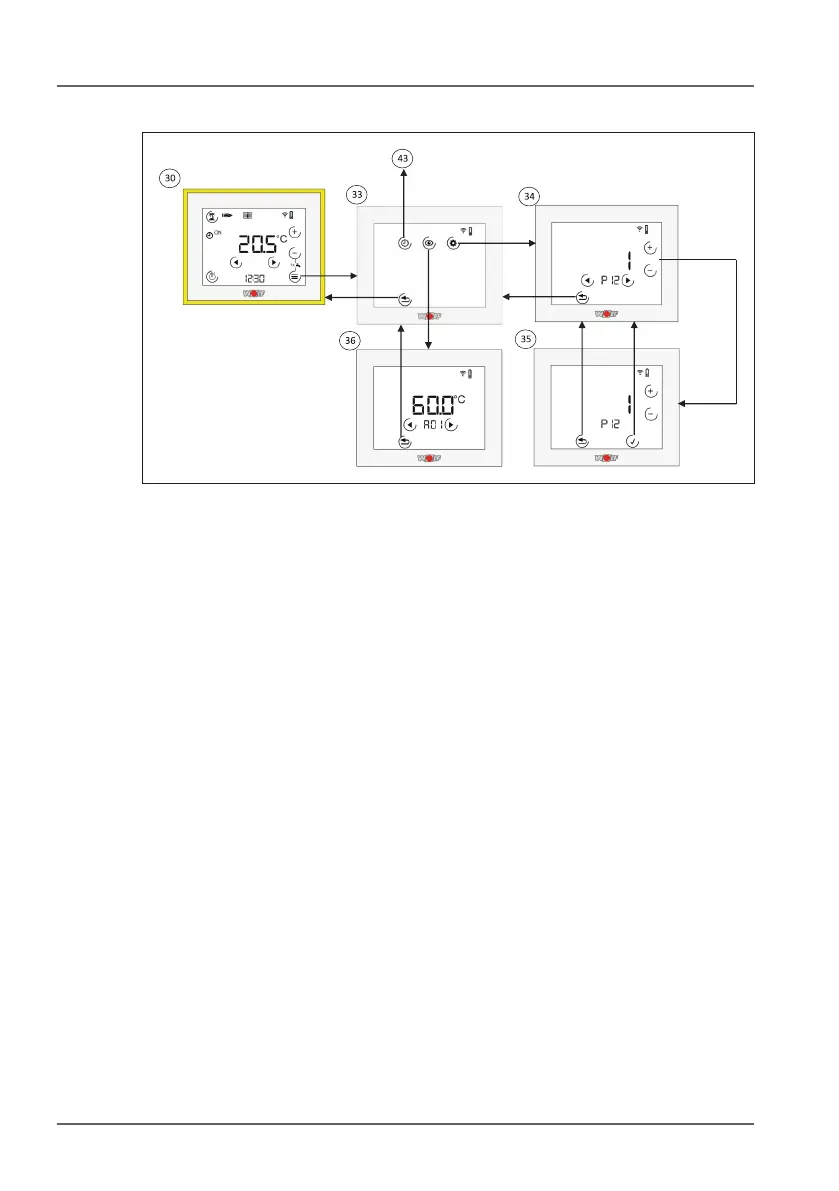
10.3.3 Controller function menu
3# Controller function menu. You can choose between display or
parameter values and congure time programs in this menu.
3$ Parameter values. Use the arrow keys to switch between
parameters. Use the + or - key to switch to edit mode.
3% Parameter edit mode. Use the + and - keys to change the
parameter. The value will ash. Use the tick key to apply the
change or the Back key to discard the change.
3^ Display values. Use the arrow keys to switch between display
values.



 To Next Page