Commissioning
18 | WOLF GmbH 3066510_202108
pa82
800
8
...
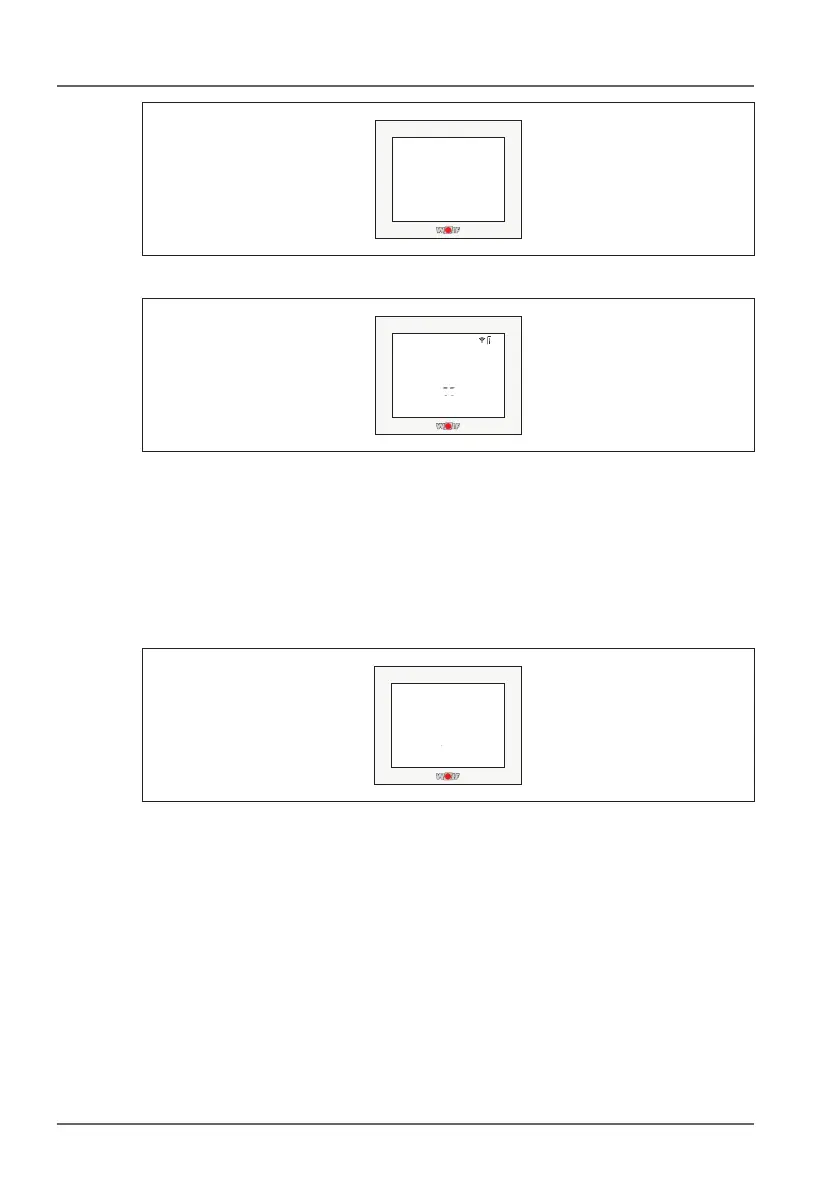
Fig. 5.2 PAIR OK display
8100..:
888
8
..:
.
. ..:
Fig. 5.3 FW version display
Pairing failed
“Pairing failed” will be displayed if the units fail to pair. Restart the
module by removing and replacing the batteries or disconnecting and
reconnecting the power supply. This will reactivate pairing mode for 2
minutes.
pa82
800
8
...
Fig. 5.4 Pairing failed display
Delete paired connection
A reset (see page 22, para.: 6.2) is the only way to delete a paired
connection with a Base Wireless.
This will remove all of the data from the device!



 To Next Page