Multi 3430 Operation
83
ba75865e08 06/2010
Determining the cell
constant
For this calibration procedure, the Type setting must be set to cal . Pro-
ceed as follows to determine the cell constant:
Display Calibration
record
Cell constant [cm
-1
]
+++ Within the range
0.450 ... 0.500 cm
-1
Error Error
Outside the range
0.450 ... 0.500 cm
-1
Eliminate the error according to
chapter 6 W
HAT TO DO IF...
1 Connect an IDS conductivity sensor to the meter.
2 In the measured value display, select the conductivity parame-
ter with <M>.
3 Start the calibration with <CAL>.
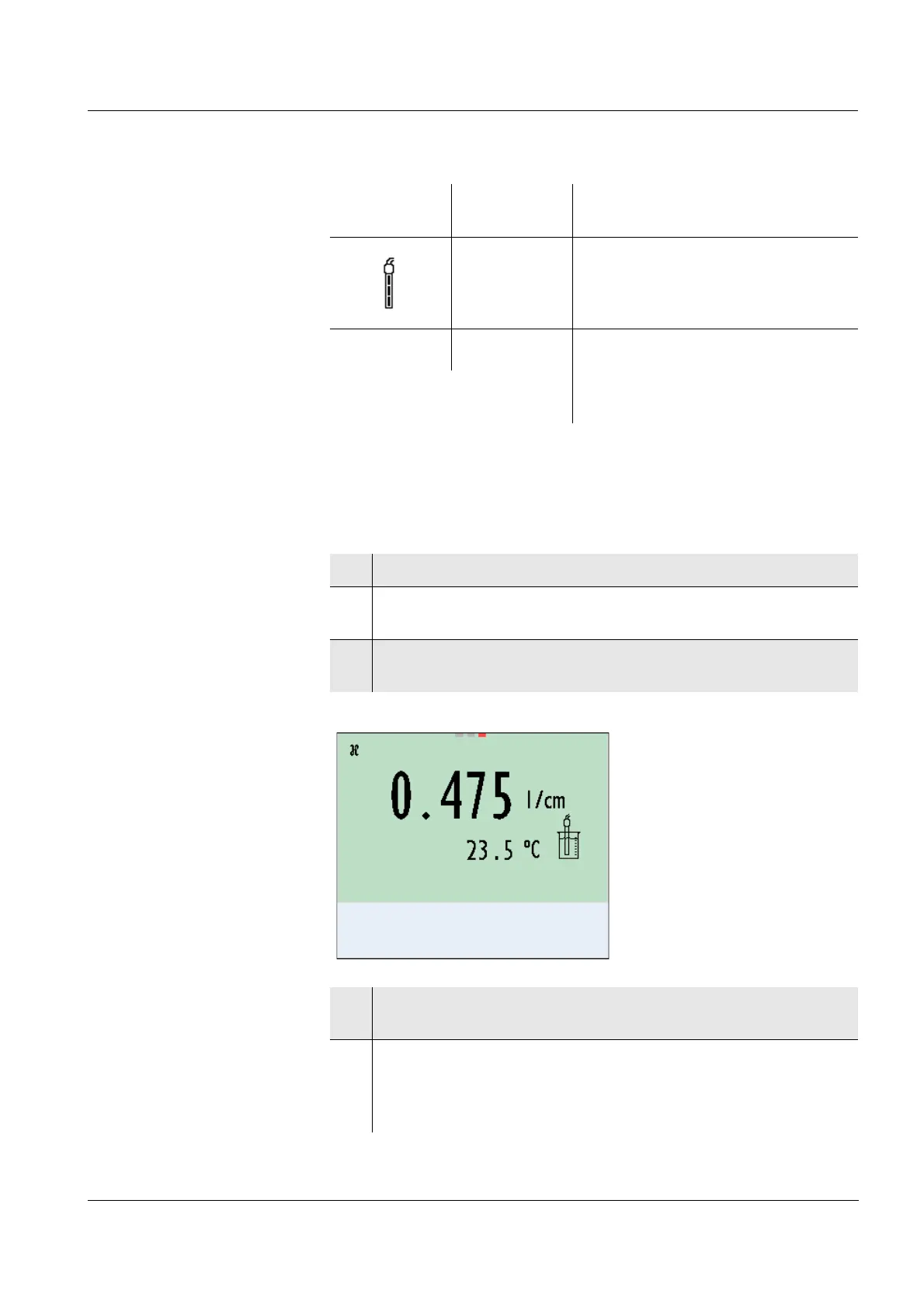
The cell constant that was calibrated last is displayed.
4 Immerse the IDS conductivity sensor in the control standard
solution, 0.01 mol/l KCI.
5 Start the measurement with <MENU/ENTER>.
The measured value is checked for stability (stability control).
The [AR] status indicator is displayed. The measured parame-
ter flashes.














 To Next Page