Setting the Delete Held Job After Timer
When the Delete Held Job After timer expires, jobs held in the Active Jobs and Personal & Secure Jobs
tabs are deleted.
1. At the printer control panel, press the Machine Status button.
2. Touch Device Settings→Timers.
Note: To access this feature at the control panel, log in as an administrator.
3. Touch Delete Held Job After.
4. To enable the Delete Held Job After timer, touch Enabled.
5. To select the desired time, press the arrow buttons, or enter a value using the numeric keypad.
6. Touch OK.
74
Xerox
®
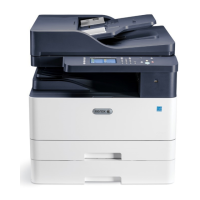
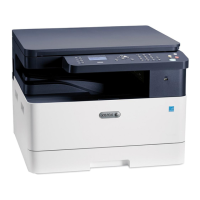
B1025 Multifunction Printer
System Administrator Guide
Printing


 To Next Page
 Loading...