72 3 Printing
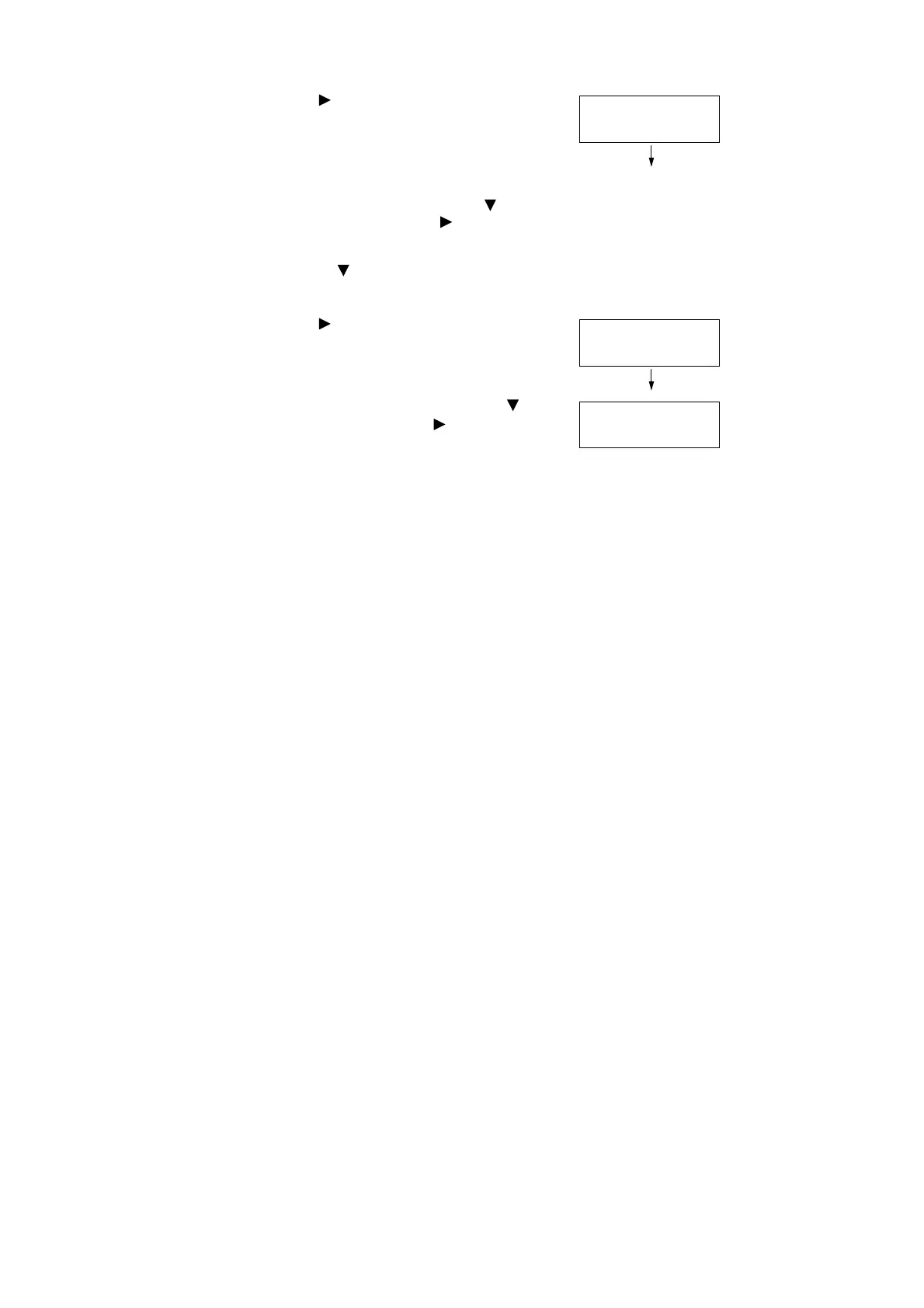
8. Press the < > or <OK> button to select.
A screen appears that allows you to specify
whether to delete or save the document
after printing.
Note
• To delete the job without printing, press the < >
button to display [Delete], press the < > button, and
then press the <OK> button.
• If you want to save the document to the hard disk after
printing, press the < > button, display [Print & Save],
and proceed to Step 9 of this procedure.
9. Press the < > or <OK> button to select.
A screen to enter the number of copies
appears.
10. Enter the number of copies using the < >
button, and then press the < > or <OK>
button to print the document.
A print start confirmation screen appears.
11. Press the <OK> button to print.
Printing starts.
12. Press the <Menu> button to return to the
[Ready to print] screen.
1.Report
Print & Delete
Quantity
1 Set(s)
1.Report
Use OK to print




 To Next Page