7. Center Information Display (CID)
160
Note
●
Some apps may be downloaded automatically via
Wi-Fi, so please pay attention to the data usage when
using your phone hotspot.
─
Ignore network: tap on the connected Wi-Fi, a box will
pop up, tap on "Ignore Network", the system will ignore
the network and will not automatically connect to this
network next time.
SoundSound
─
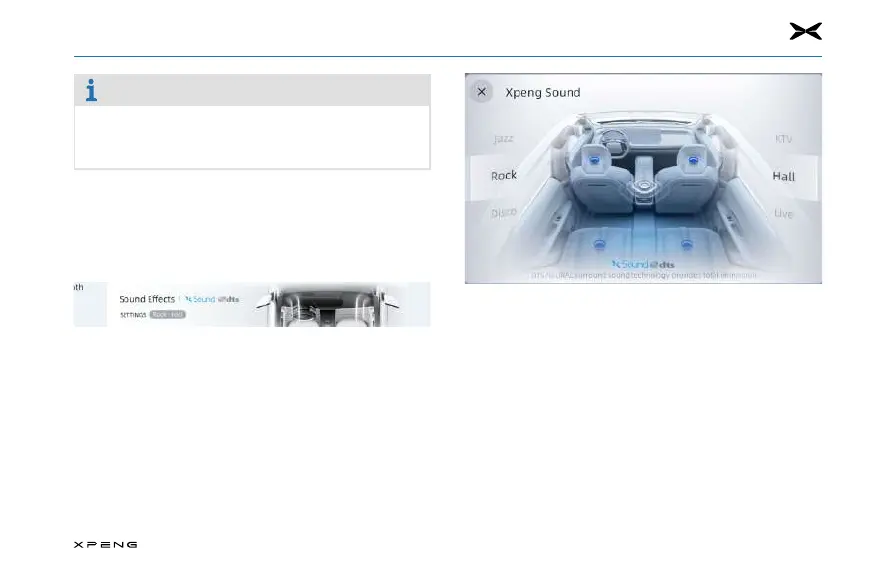
Sound Eects: tap to enter the Sound Eects setting.
─
Sound Eects setting: select "General, Hi-Fi".
─
Dynaudio sound effect setting: select "Dynamic, Vocal,
Authentic, Soft".
─
Sound field setting: drag around within the blue area.



 To Next Page