135
Operating and managing the product
7
5
Click “Execute”.
The conguration le of the product is written to the
external device.
Tip
You can encrypt the conguration le by selecting the
“Encrypt the le” checkbox (The password entered on this
screen will be required to load the encrypted conguration
le.).
6
Hold down the USB button or microSD button
for two seconds.
The USB lamp or microSD lamp of the product goes
off.
7
Remove the external memory device.
Note
If saving of the conguration le to the external device fails, see
“Unable to use USB device” (page 152).
Save the product log to an external
memory device
1
Insert the external device into the USB port
or microSD slot of the product.
The USB lamp or microSD lamp of the product lights
up or ashes.
2
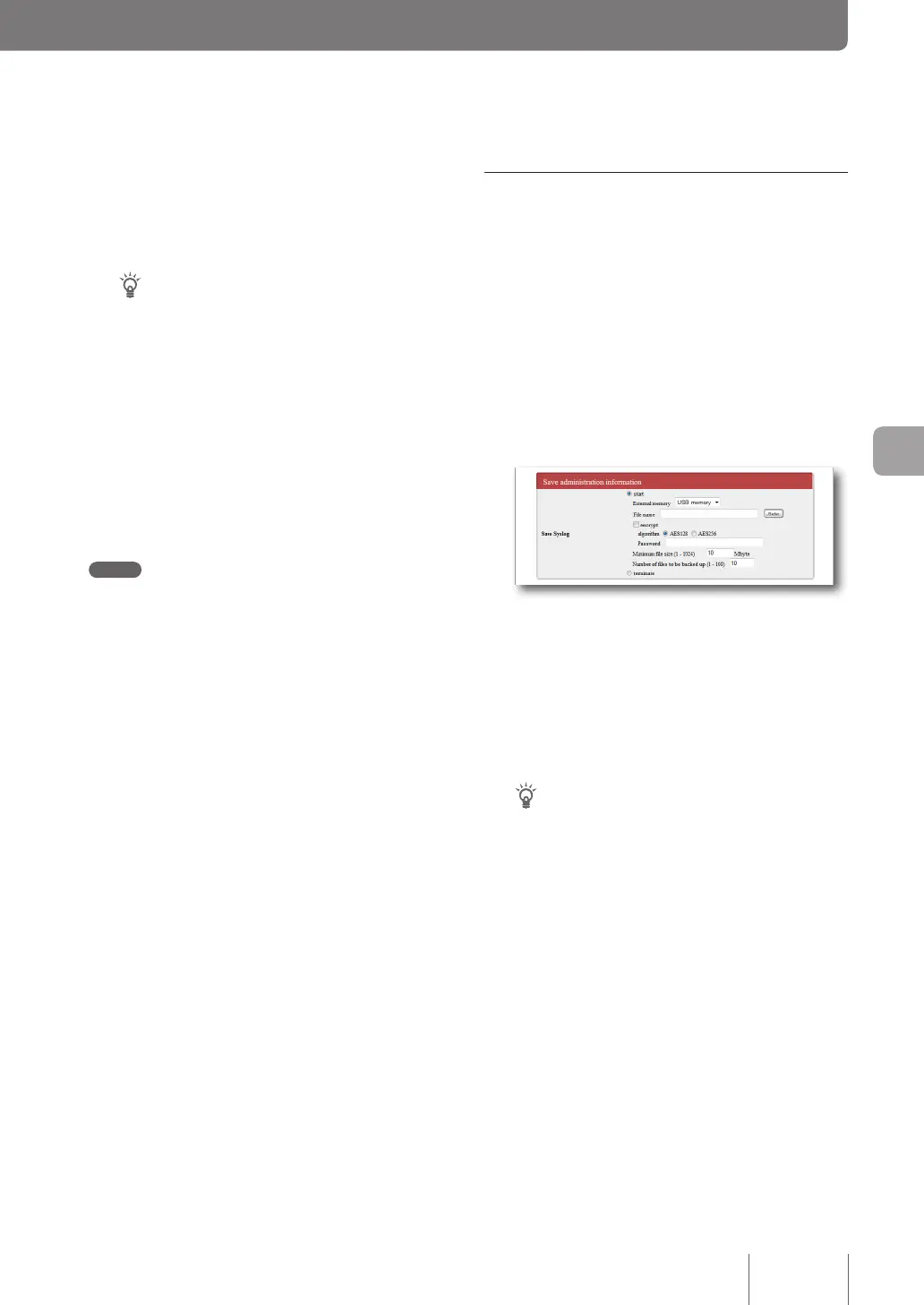
In the “Save Syslog” field on the “Configure
external device” screen, select “start” and
enter the log file name.
To open the “Configure external device”
screen
From “Basic conguration page”, click the buttons on
the setup screen in the following order:
▶ “Advanced settings” in the top page
▶ “Congure” of “Congure external device”
Tip
You can encrypt the log by selecting the “encrypt” checkbox
(The password entered on this screen will be required to
load the encrypted log.).
3
Click “Submit”.
The product log is written to the external device.
Subsequently, the product log continues to be written
to the external memory until you stop saving the log.
Please refer to “Notes on the log to be saved” (page 136)
for more details on the capacity and other information
related to the log to be written.



 To Next Page