50
Connecting to the Internet
3
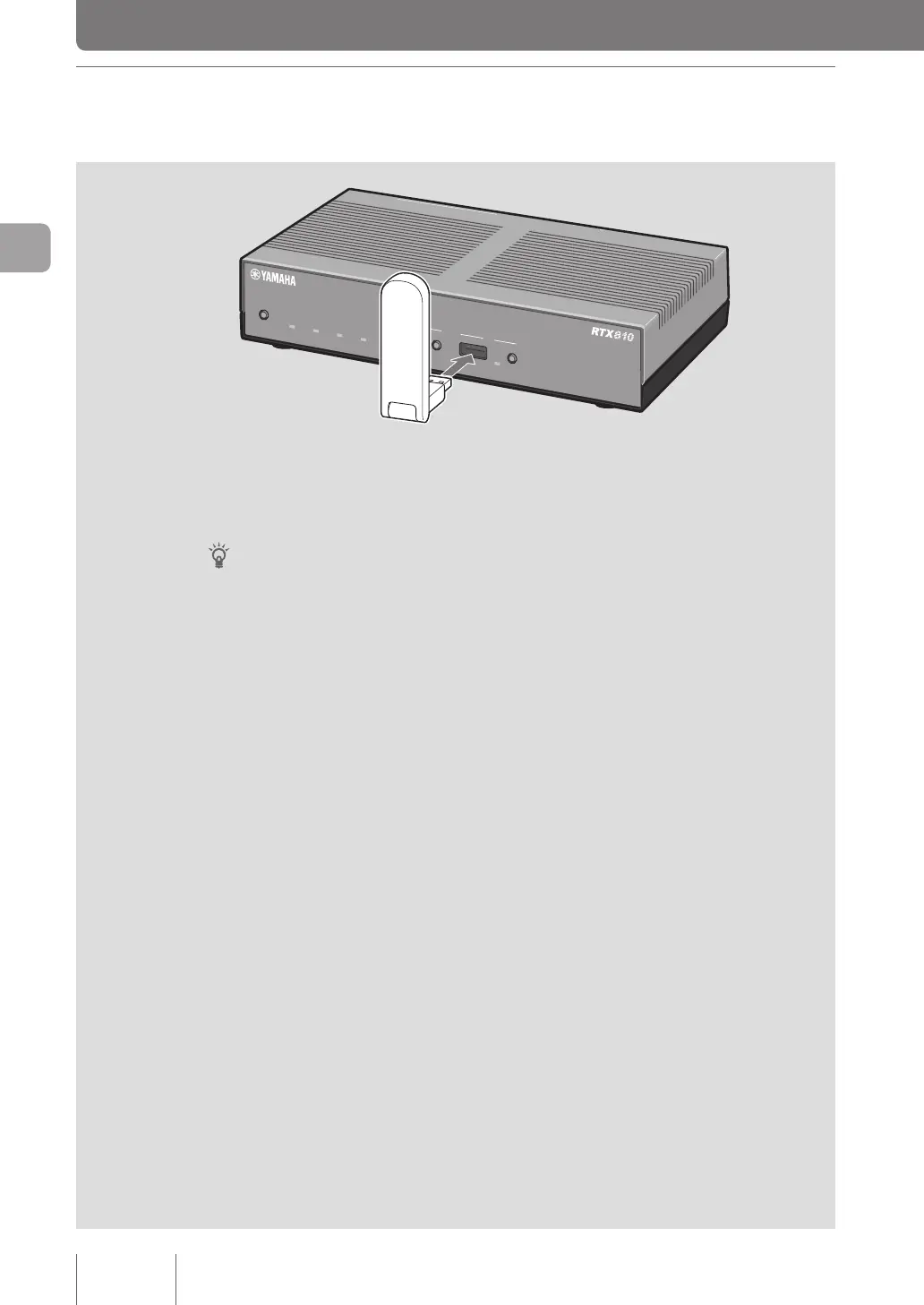
1 Connecting a USB data communication
terminal
Connect a USB data communication terminal to the USB port
of the product.
The USB lamp lights up and ashes.
Tip
A buzzer beeps when the USB data communication terminal is connected. Please check “Changing the
buzzer settings” (page 126) for beeps.
USB data communication terminals that are known to work
For a list of latest USB data communication terminals that are known to work, please http://www.
yamaha.com/products/en/network/ and go to the product information page on RTX810.
POWER
STATUS
LAN
WAN
micro8D
USB
WAN
4
3
2
1
ON
STANDBY
CONSOLE
LAN



 To Next Page