51
Connecting to the Internet
3
2 Specifying the connection mode
1 Click
2 Click
3 Click
1
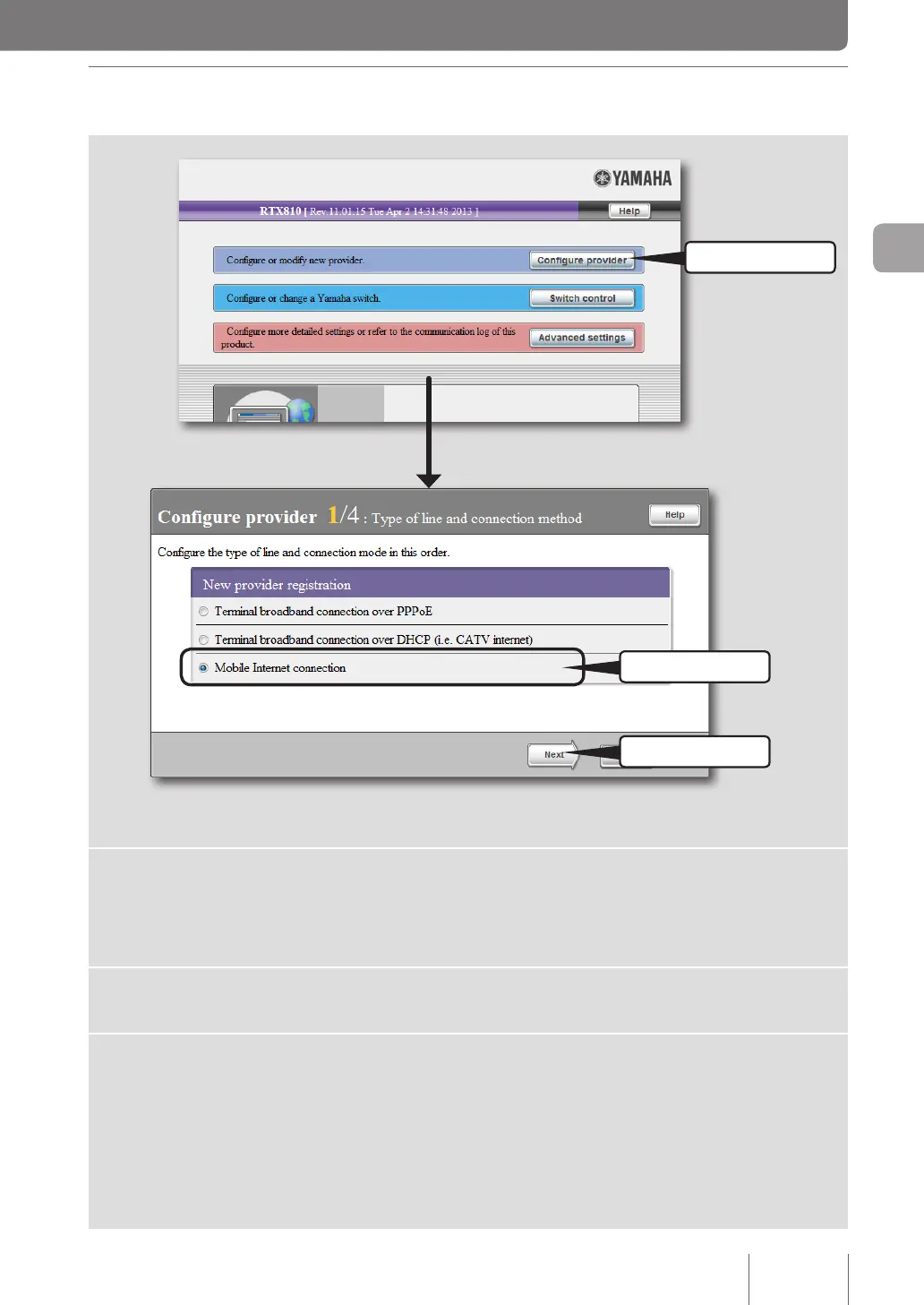
Click “Configure provider” on the top page of “Basic configuration
page”.
The “Congure provider 1/4” screen appears.
2
Click “Mobile Internet connection”.
3
Click “Next”.
The “Congure provider 2/4” screen appears.



 To Next Page