Axiovert 40
B 46-0031 e 11/03 2Ć5
(6) Connection to the power outlet
CAUTION Verify the operating voltage indicated on the rear panel of the instrument agrees with the
available line voltage.
• Plug power cable (2Ć7ā/ā4) into the instrument socket and connect to the power outlet.
• Switch on the instrument at the power switch (2Ć7ā/ā3) on the right of the instrument.
NOTE When the instrument is switched off, the "0" marking is visible on the power switch.
• The instrument is ready for operation when the microscope lamp is on.
• In the event of a defect, check the two fuses (2Ć7ā/ā2):
for 100…240 V AC: T 1 A/H, 5 x 20 mm (acc. to IEC 127)
For this purpose, remove the fuse holder (2Ć7ā/ā1) from the housing by pressing the two springs simultaneously
in the direction indicated by the arrows.
CAUTION Only use the correct fuses.
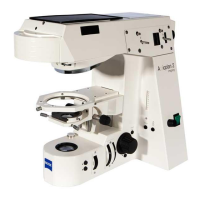
Fig. 2Ć7 Connection to the power outlet
1
2
3
4










 To Next Page