Introduction
025-9567E 3
2
F
D
B
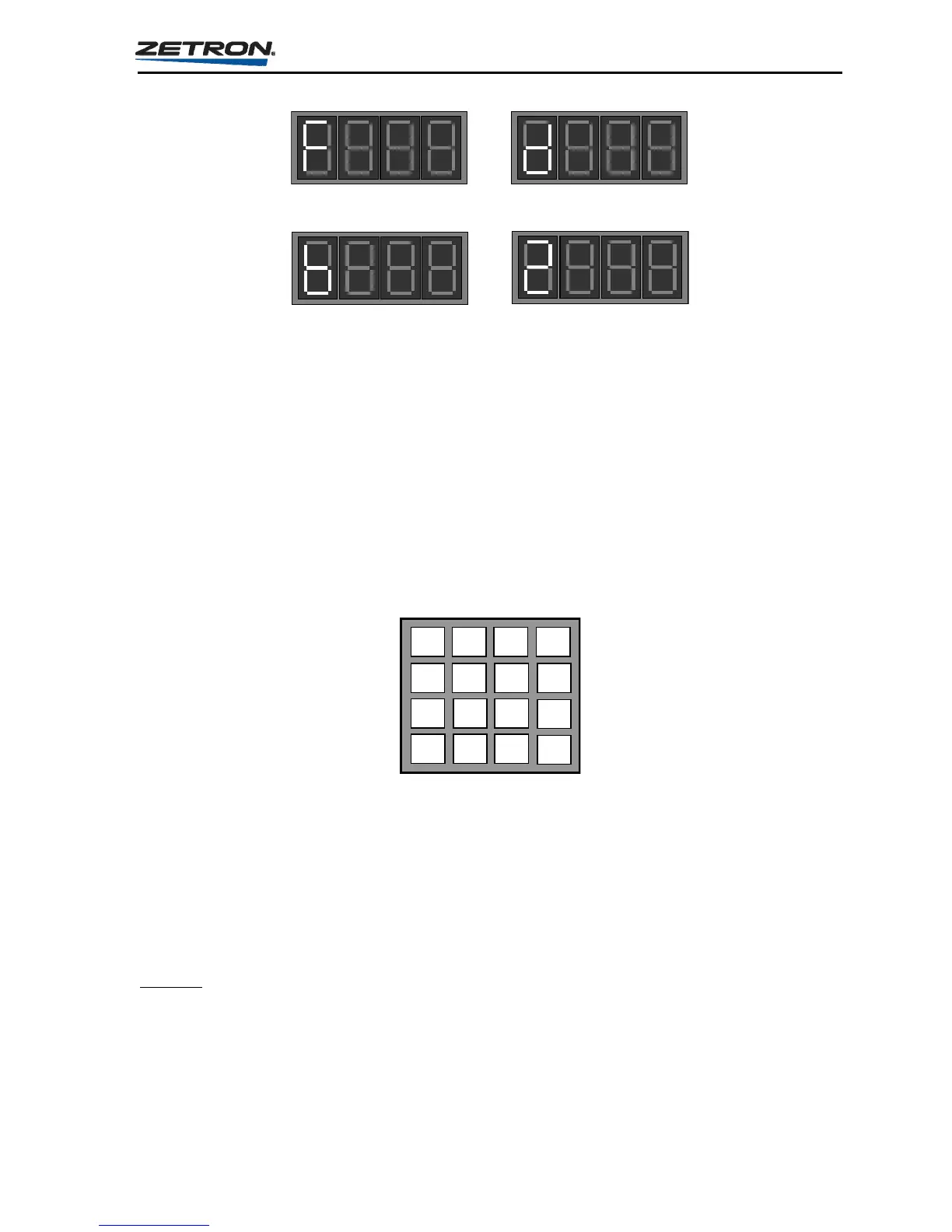
Figure 2. Sample Character Displays
Keypad
The keypad located on the front panel of the encoder is useful for:
Programming or altering the operation of your Model 25.
Manually entering any pager code available in the encoder. This feature is useful for
entering seldom used codes that are not assigned to an Instant Call button.
The keypad consist of keys for the digits 0 through 9, the letters A through D, as well as the
characters # and *.
1 2 3 A
4 5 6 B
7 8 9
C
0 #
D
Extended Keys
The Model 25 has four extended keys: RESET, CLEAR ENTRY, ENTER, and ALERT.
The extended keys provide a manual form of pager code entry. The ENTER and CLEAR
ENTRY
keys are provided for “Keypad Stack” operation, and the ALERT key provides a way
to manually transmit an alert tone independent of any page. There is more information on the
“Keypad Stack” function later in this section.
RESET
The RESET key resets the Model 25 from any operating condition, and returns it to the “Idle
State”.



 To Next Page