Programming - Front Panel
94 025-9567E
Question 5 - Channel Simul-Select Function
At the Question 5 prompt, enter a single-digit response (0 or 1) to enable or disable the
Simul-Select Function. Zero selects normal operation (default setting) and “1” selects the
Simul-Select Function.
Most consoles require some sort of “simul-select” button to be pressed in order to allow the
selection of more than one channel simultaneously. Setting this parameter to “1” results in
the Model 25 using the Tone Relay as a simul-select relay. When set to “0”, the tone relay is
used for its original purpose.
Once the single-digit response for “Question 5” has been entered, the Model 25 will
immediately begin to load all changes made in this section to memory to be used until new
changes are made. During the time that the Model 25 is loading this information to memory,
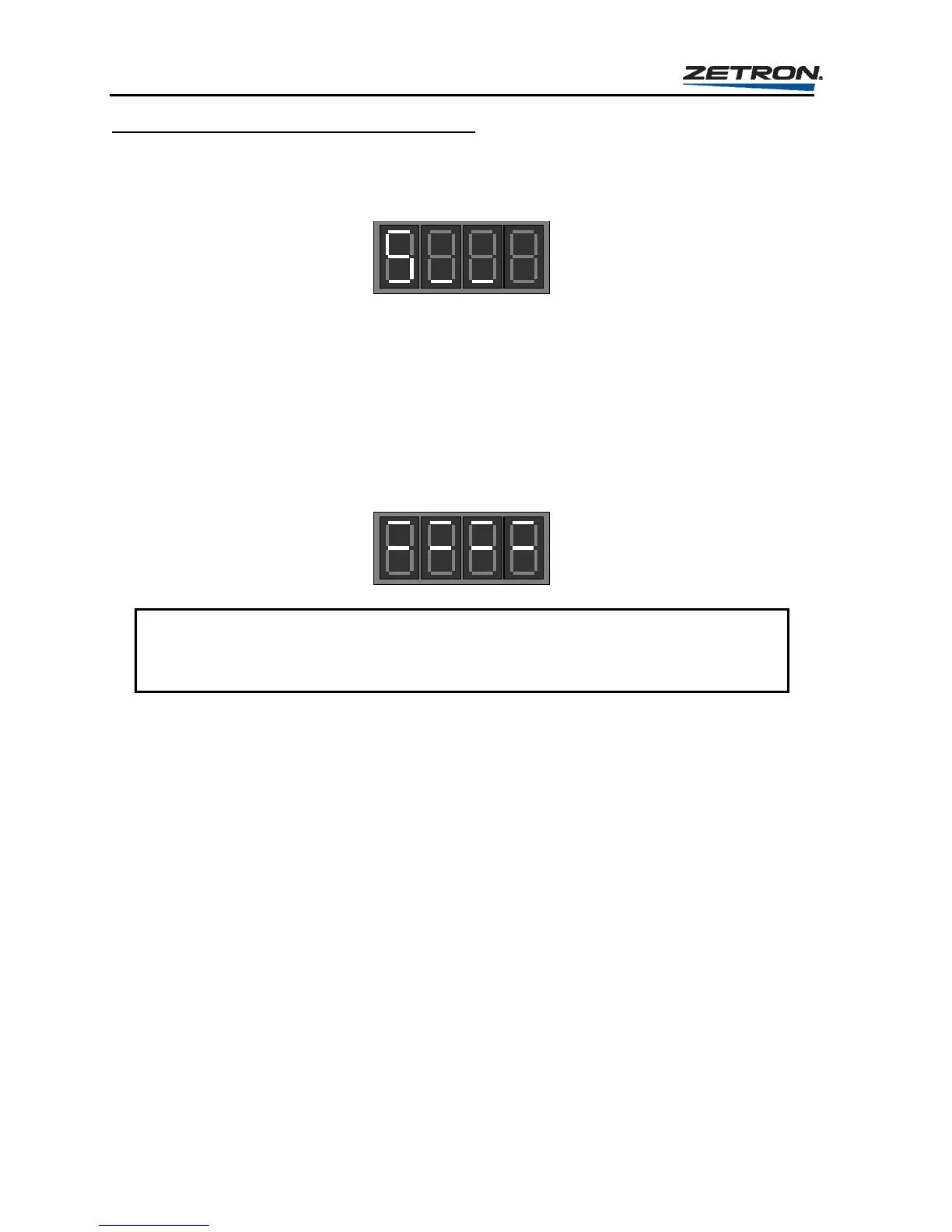
the display will appear as shown here.
CAUTION
Do not remove power or press the RESET button while the Model 25 is loading the
memory, otherwise incorrect information could be loaded requiring reprogramming.
Once the Model 25 completes the loading procedure, it will return to the first question in the
General and Send Button programming section, “Question Ao_” on page 92. You may
program a Send button, make another pass through the General programming, or press
RESET to exit the programming mode back to the idle state.
SEND Button Branch
Entering 1, 2, 3, or 4 in response to Question “A” will result in Send button 1, 2, 3, or 4 being
configured. Each SEND button is configured individually, thus requiring four passes through
the Send Button branch in order to complete the configuration of all four
SEND buttons.
The function of the SEND buttons is to act as a Page or Send key for manual entry of pager
codes from the keypad. Each of the SEND buttons may be programmed with a different
combination of Select Relays and channels to be monitored. Once a pager code is entered on
the keypad, one of the
SEND buttons must be pressed to instruct the Model 25 to send the
call on the selected channels programmed into that particular
SEND button.



 To Next Page