Programming - Front Panel
86 025-9567E
Saving the Changes
Once the 2-digit response for “Question 3” has been entered, the Model 25 will immediately
begin to load all changes made in this section to memory to be used until new changes are
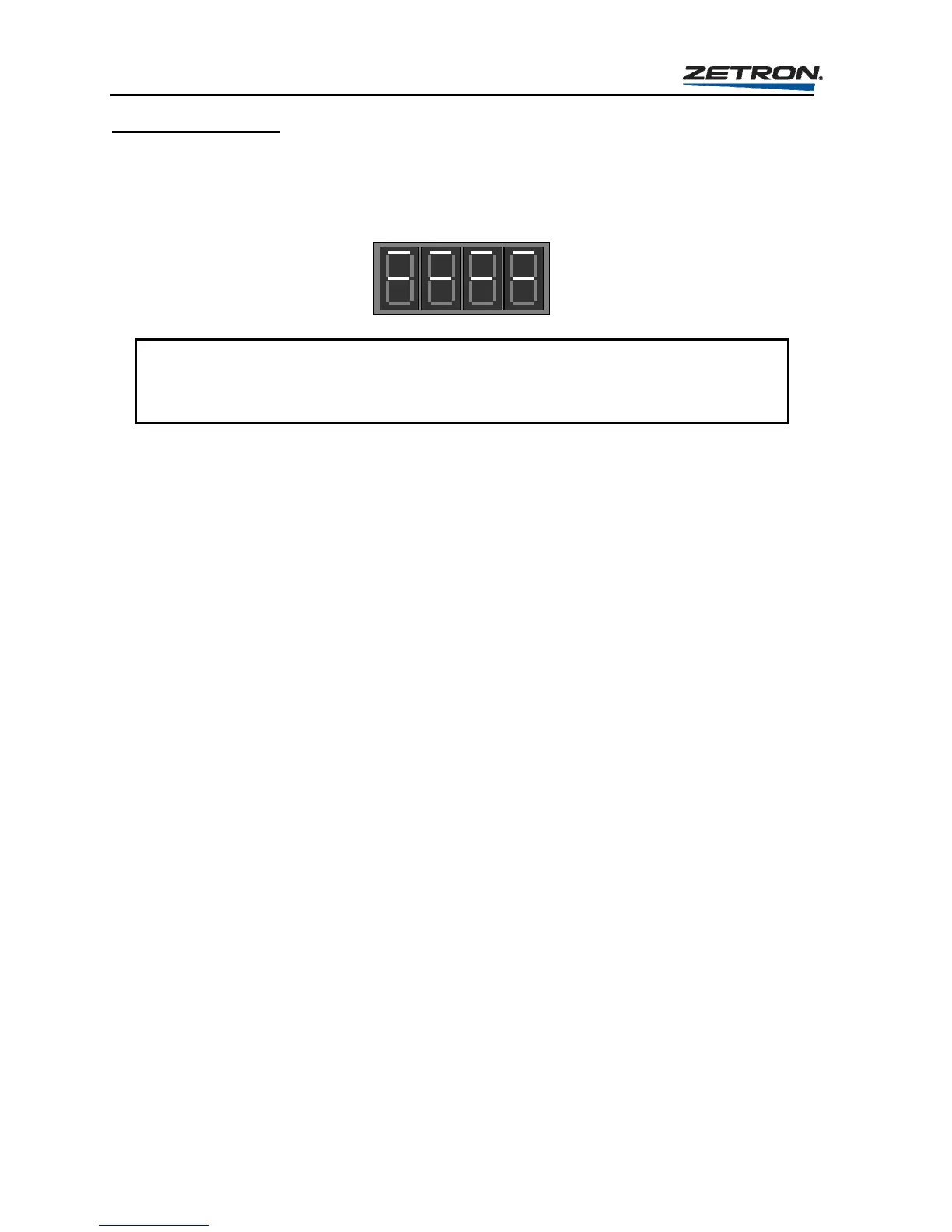
made. During the time that the Model 25 is loading this information to memory, the display
will appear as shown here.
CAUTION
Do not remove power or press the RESET button while the Model 25 is loading the
memory, otherwise incorrect information could be loaded requiring reprogramming.
Once the Model 25 completes the loading procedure, it will return to the first question in the
Two-Tone programming section, “Question “bo”” on page 69. You may select another
leading digit to format or press RESET to exit the programming mode back to the idle state.
PROGRAMMING SECTION 3 - CUSTOM CALL SETUP
The Custom Calls Format allows the Model 25 to signal Plectron, Federal, and other
nonstandard, Two-Tone calls by allowing you to individually set the frequencies and timing
information for each call. Up to 196 custom calls may be entered and once configured may
be used as many times as required.
While configuring custom calls, the Model 25 will prompt you to assign a 3-digit number to
each call. This number allows you to identify each call and thus provides a way to enter the
calls into Instant Call buttons.
Any number between 000 and 195 may be used as the call number, but each 3-digit number
must only be used once. If the question loop is completed a second time for a call number
that has already been configured, the old information for that call number will be overwritten
and lost, and the call will now contain the new information.
Single Tone Calls
The custom calls format allows single tone calls to be signaled. To accomplish this, the first
tone frequency (Question 2) must be set to the desired single tone frequency and the first tone
duration (Question 3) must be set to the total desired tone duration. The gap duration
(Question 4) must be set to “000”, the second tone frequency (Question 5) must be set to
“00000”, and the second tone duration (Question 6) must be set to “000”. The alert tone
(Question 7) is still optional.
For example, to set up a single-tone custom call for a 5-second tone of 901.1 Hz, you would
respond to the Custom Call questions as shown in Table 25.



 To Next Page