Encoder Installation
42 025-9567E
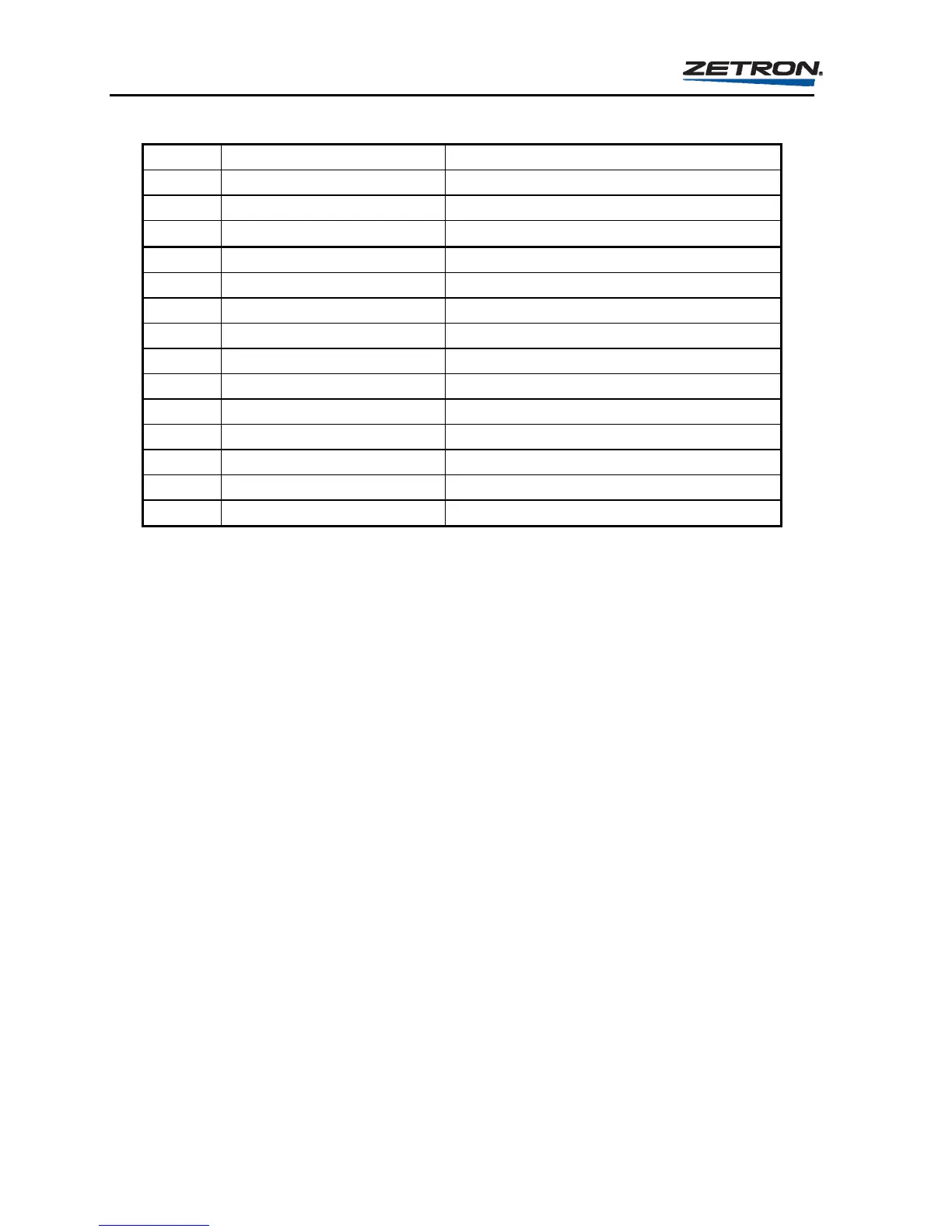
Table 12. Example of Relay Connections for 8-Channel Transmitter Control
P1 Pin Label Connection
1 PTT N.O. A Connect to P3-pin 1
3 PTT Com. A Connect to P3-pin 2
P2 Pin Label Connection
5 RELAY 8 Connect to Channel 8 PTT
6 RELAY 7 Connect to Channel 7 PTT
7 RELAY 6 Connect to Channel 6 PTT
8 RELAY 5 Connect to Channel 5 PTT
9 RELAY 4 Connect to Channel 4 PTT
10 RELAY 3 Connect to Channel 3 PTT
11 RELAY 2 Connect to Channel 2 PTT
12 RELAY 1 Connect to Channel 1 PTT
P3 Pin Label Connection
1 Relay Com Connect to P1-pin 1
2 Ground Connect to P1-pin 3
Channel Busy Monitor
There are four common ground inputs on the Model 25 that are designed for monitoring
channel status. Each of the channel busy inputs are associated with a particular SEND key.
Channel busy 1 is associated with the upper-most SEND key (SEND 1) and channel busy 4 is
associated with the bottom-most SEND key (SEND 4). The LED adjacent to each SEND key
indicates the busy state of the associated busy input for the key. The LED should illuminate
when the monitored state is “busy” and should not illuminate when the monitored state is
“not-busy”.
Each channel busy input may be used to inhibit a transmission initiated using its associated
SEND key. There is also a way to inhibit transmissions initiated using instant call keys. The
details of transmission inhibiting are described in the Operation Section under “The Calling
Sequence”. Normally the channel busy inputs would be connected to the “call” or “busy”
signals of the channel modules in the console. However, the inputs may be connected to the
“select” indicator signals of the channel modules. The inhibiting or non-inhibiting of
transmissions is programmable. This is the “busy use” parameter.
Each channel busy input is designed to detect two logic states; “busy” or “not-busy” (clear).
If the inputs are connected to the “select” signals, then the two logic states are “unselected”
and “selected”. The voltage present at the input determines the state. One state occurs when
the voltage at the input is from 0.0 to 0.5 volts with respect to ground. The other state occurs
when the voltage at the input is from 1.0 to 24.0 volts. Voltages between 0.5 and 1.0 volts
may cause an undeterminable state. The voltage range which causes the “busy” or
“unselected” logic state is programmable. This is the “busy polarity” parameter.



 To Next Page