Programming - Front Panel
025-9567E 87
Table 25. Example of Single Tone Custom Call
Question # Parameter Entry Value
2 1st Tone Frequency 09011 901.1 Hz
3 1st Tone Duration 500 5.00 seconds
4 Gap 000 0 seconds
5 2nd Tone Frequency 00000 0 Hz
6 2nd Tone Duration 000 0 seconds
7 Alert Tone Type 0 no alert
Programming a Custom Call
To enter the Custom Call Setup section:
PRESS and HOLD the RESET key.
While still holding the RESET key, PRESS and HOLD the “0” key.
While still holding the “0” key, RELEASE the RESET key.
Now RELEASE the “0” key.
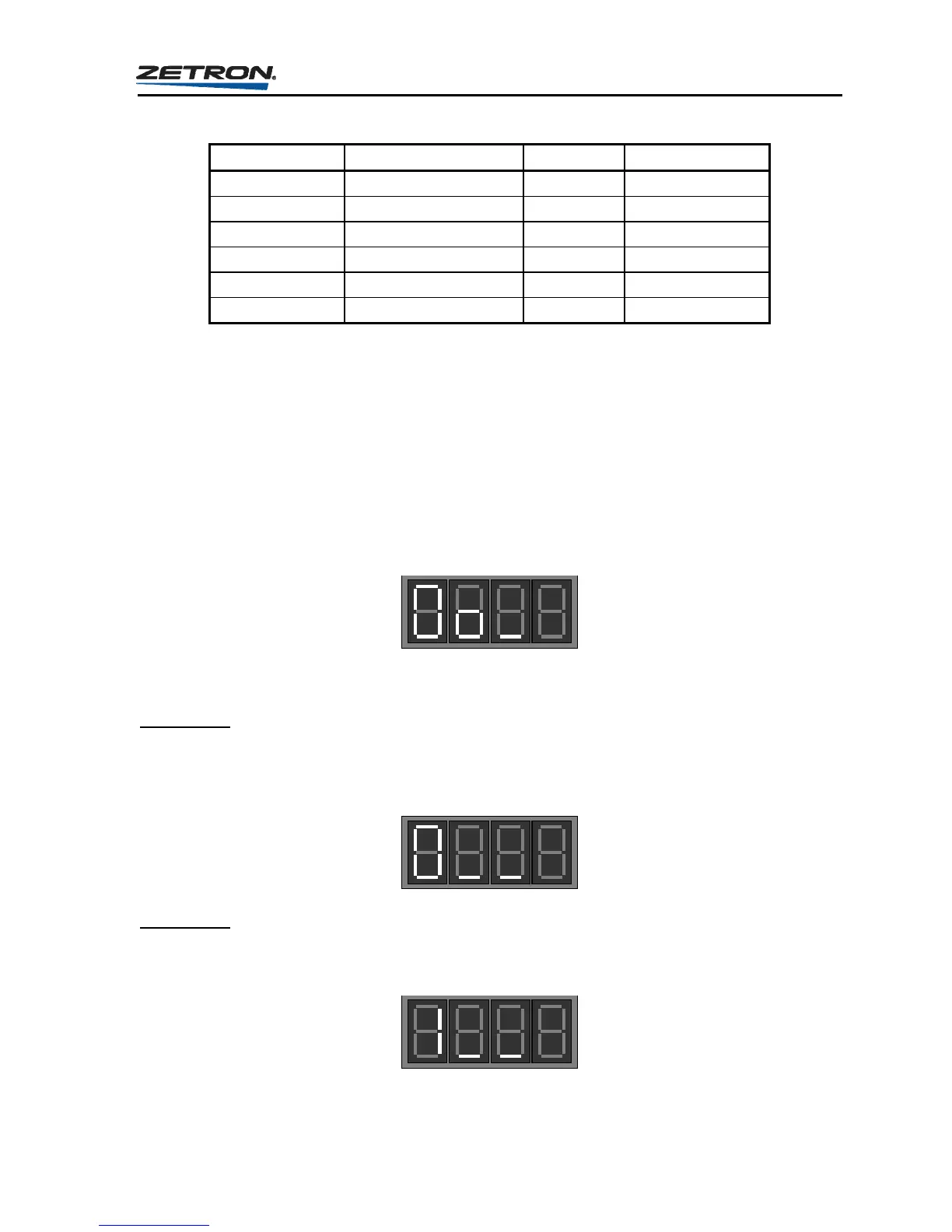
This will put you into the Custom Call Setup section and the display will show the prompt
for initial question.
To change the settings for existing custom calls or to create a new call, enter a “1”.
Question 0
At the following prompt, enter a three-digit number to identify this particular custom call
(valid range is 000 to 195). The custom call question loop must be completed for each
custom call programmed into the Model 25. This step is referred to as Question “0”.
Question 1
The following prompt is for question “1”. This question works the same way for most paging
formats. Please see “Question 1 - Channel Select Relays” on page 72 for a description.



 To Next Page