Programming - Front Panel
025-9567E 69
PROGRAMMING SECTION 2 - TONE FORMAT SELECTION
This section is one of the most important. This is where the various formats will be assigned.
First, we must enter the programming section.
To enter the Tone Format Selection Section, from the keypad:
1. PRESS and HOLD the RESET key.
2. While still holding the RESET key, PRESS and HOLD the B key.
3. While still holding the B key, RELEASE the RESET key.
4. Now RELEASE the B key.
This will put you into the Tone Format Selection Section and the display will show the
prompt for the first question.
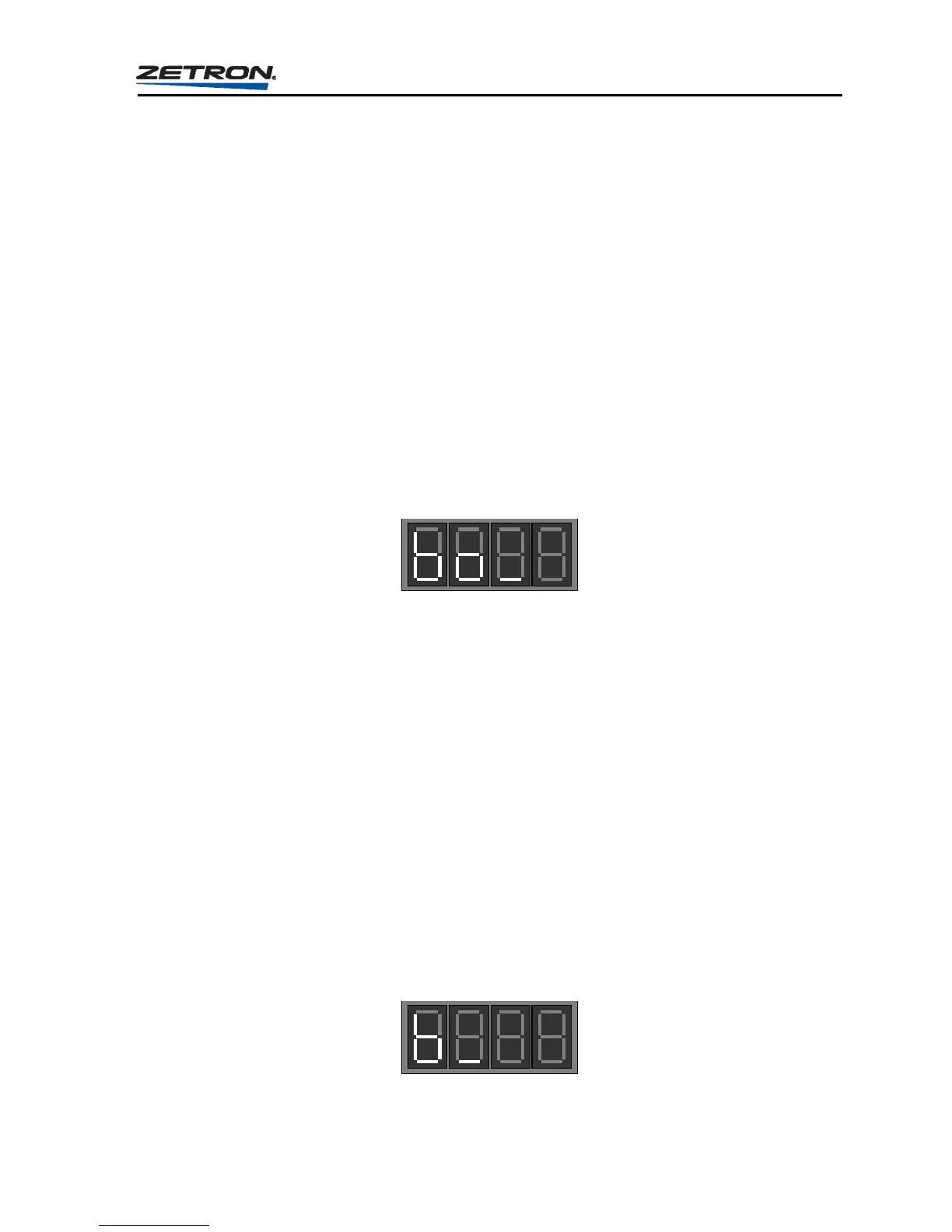
Question “bo”
The display will prompt for this question by displaying:
The valid choices are:
1 = Change Settings - Entering a “1” will instruct the Model 25 to continue on to
“Question: b”.
2 = Print All Settings - Entering a “2” will instruct the Model 25 to print the settings
of all questions in this section to the printer or CRT display
connected to the serial port.
3 = Print Selected Settings - Entering a “3” will instruct the Model 25 to prompt for the
number of the setting within this section which is to be sent to
the printer or CRT display. (Information on connecting a
printer to the Model 25 is located in the “CONNECTING TO
THE SERIAL PORT” starting on page 99.)
Question “b” - Leading Digit Assignment
If your response to question “bo” was a “1”, the unit will now display:



 To Next Page