Programming - Front Panel
68 025-9567E
CAUTION
To enter this section will result in the clearing of one or more sections of the Model
25. Read through and understand this section prior to entry to prevent unintentional
clearing.
To enter this section, from the keypad:
1. PRESS and HOLD the RESET key.
2. While holding the RESET key, PRESS and HOLD the ALERT key.
3. While still holding the ALERT key, RELEASE the RESET key.
4. Now RELEASE the
ALERT key.
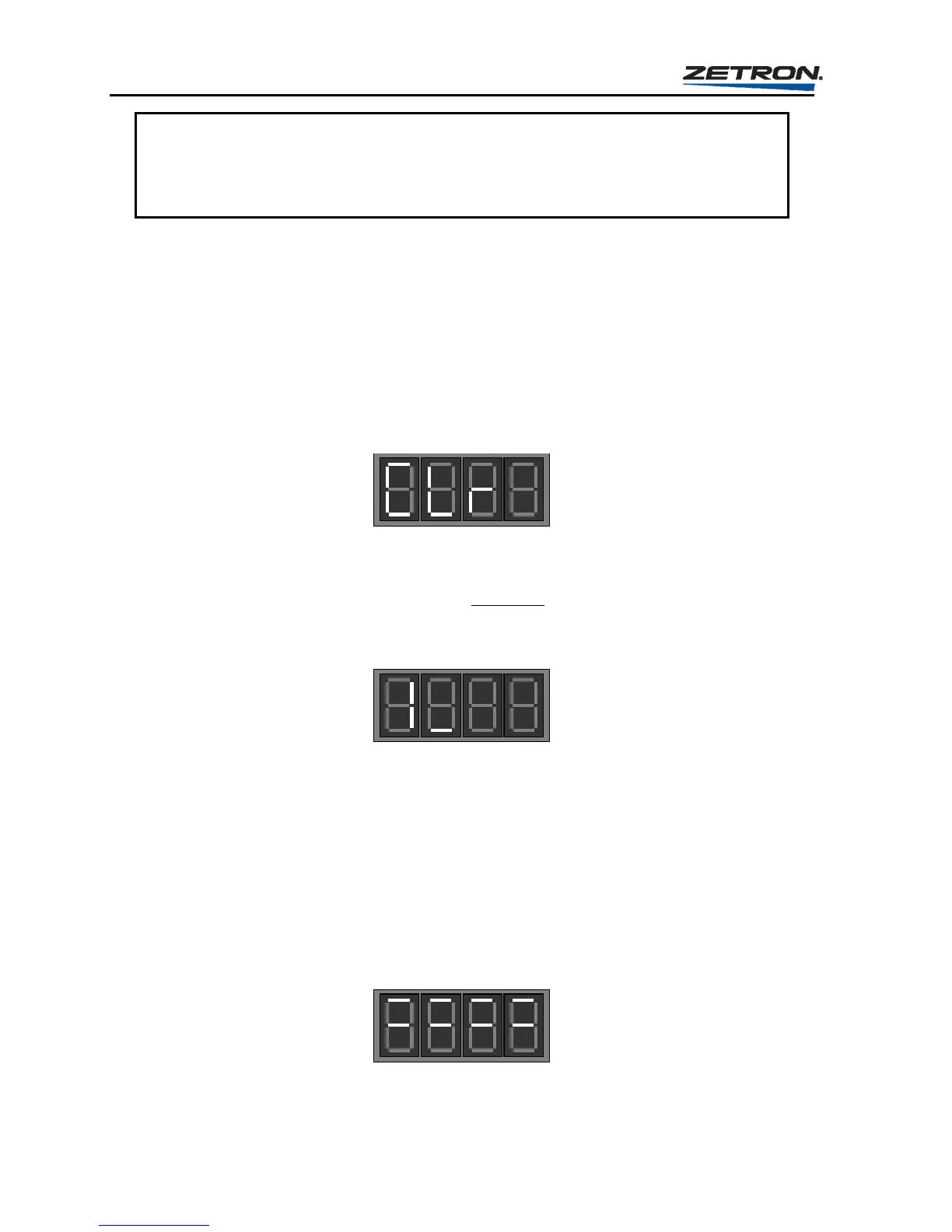
“
CLr” will be displayed and the
Model 25 will begin to “BEEP”
5. Now press and hold the “C” key for 1 second.
Note: The “C” key must be pressed within 5 seconds of the “CLr” display otherwise the
Model 25 will return to the IDLE STATE.
The Model 25 is now in the “CLEAR” mode
Once in the CLEAR mode the Model 25 will display “1_”, prompting for a 1-digit entry.
Entry of a “1”, “2”, “3”, or “4” will result in that section being cleared.
The choices are: 1 = Clear Sections 2, 5, and 6
2 = Clear All Instant Call Buttons
3 = Clear All Custom Calls
4 = Clear All Sections (reset entire unit to default settings)
Press a “4” to clear the entire encoder.
The Model 25 is now clearing all sections
When it is finished the Model 25 will automatically return to the idle state.



 To Next Page