Programming - Front Panel
92 025-9567E
PROGRAMMING SECTION 5 - GENERAL AND SEND BUTTON SETUP
This programming section is used to configure those features that control the overall
operation of the Model 25. It is also where the function of the four SEND buttons is
configured.
1. To enter the General and Send Button Setup section:
a. PRESS and HOLD the RESET key.
b. While still holding the RESET key, PRESS and HOLD the “A” key.
c. While still holding the “A” key, RELEASE the RESET key.
d. Now RELEASE the “A” key.
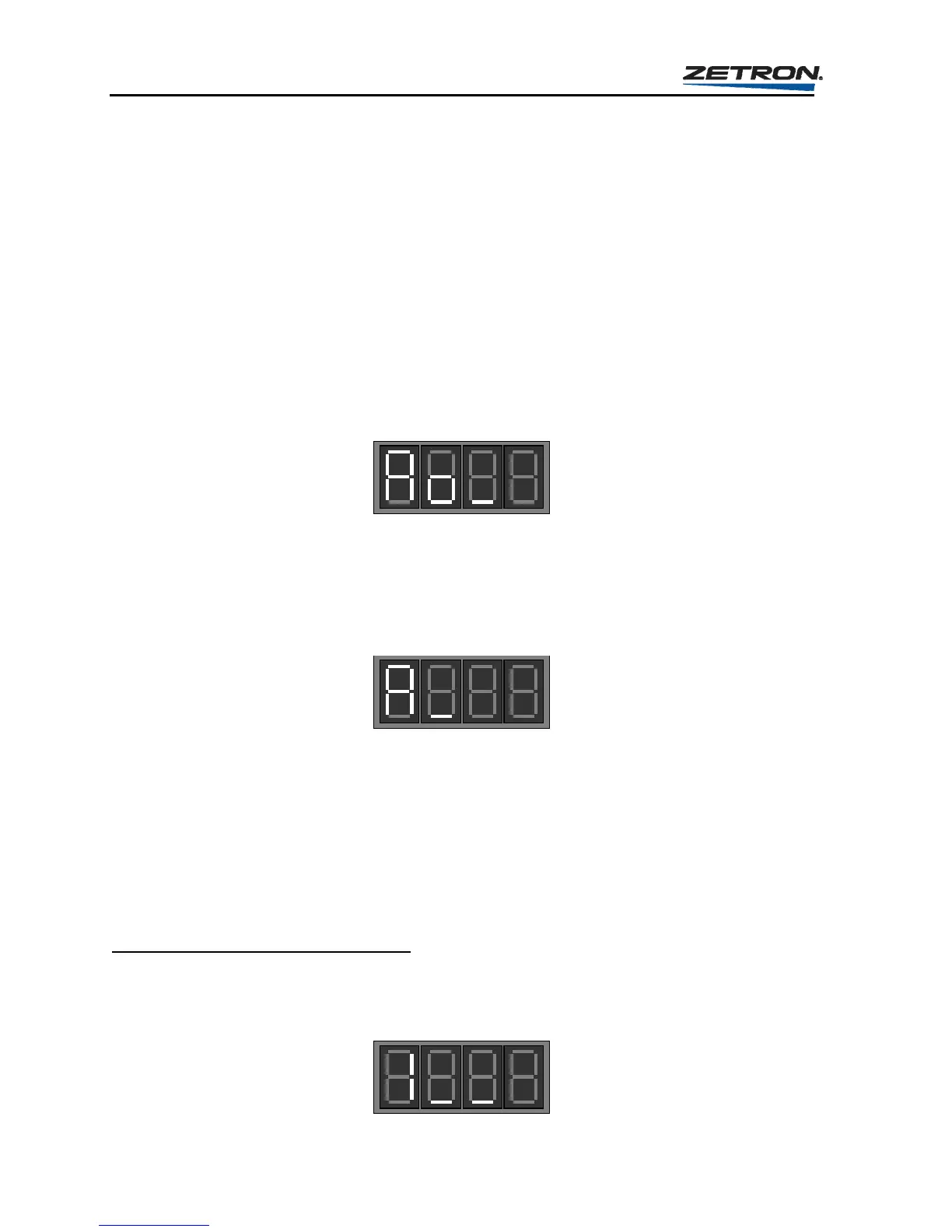
This will put you into the General and Send Button Setup section and the display will
show the prompt for initial entry, “Question Ao_”.
2. To change the settings for general operation or Send buttons, enter a “1”.
3. At the following prompt, enter a single digit (0 to 4) to select what it is you are going to
configure. A “0” selects General Operation. The digits “1” through “4” selects one of
the SEND buttons to configure.
At this point, the programming question loop forks into either the General Operations
branch or the Send Button branch. At the end of either branch, the Model 25 saves the
new settings and returns to the beginning of the main General and Send Button loop
at step 2.
General Operation Branch
If a “0” was entered in step 2 of the Question “A”, answer the following questions.
Question 1 - Select Relay Operation
At the Question 1 prompt, enter a single-digit response (0 or 1) to indicate which mode the
eight select relays should operate in: Direct or Momentary. The default setting is “0” for
Direct mode.



 To Next Page