Programming - Front Panel
025-9567E 91
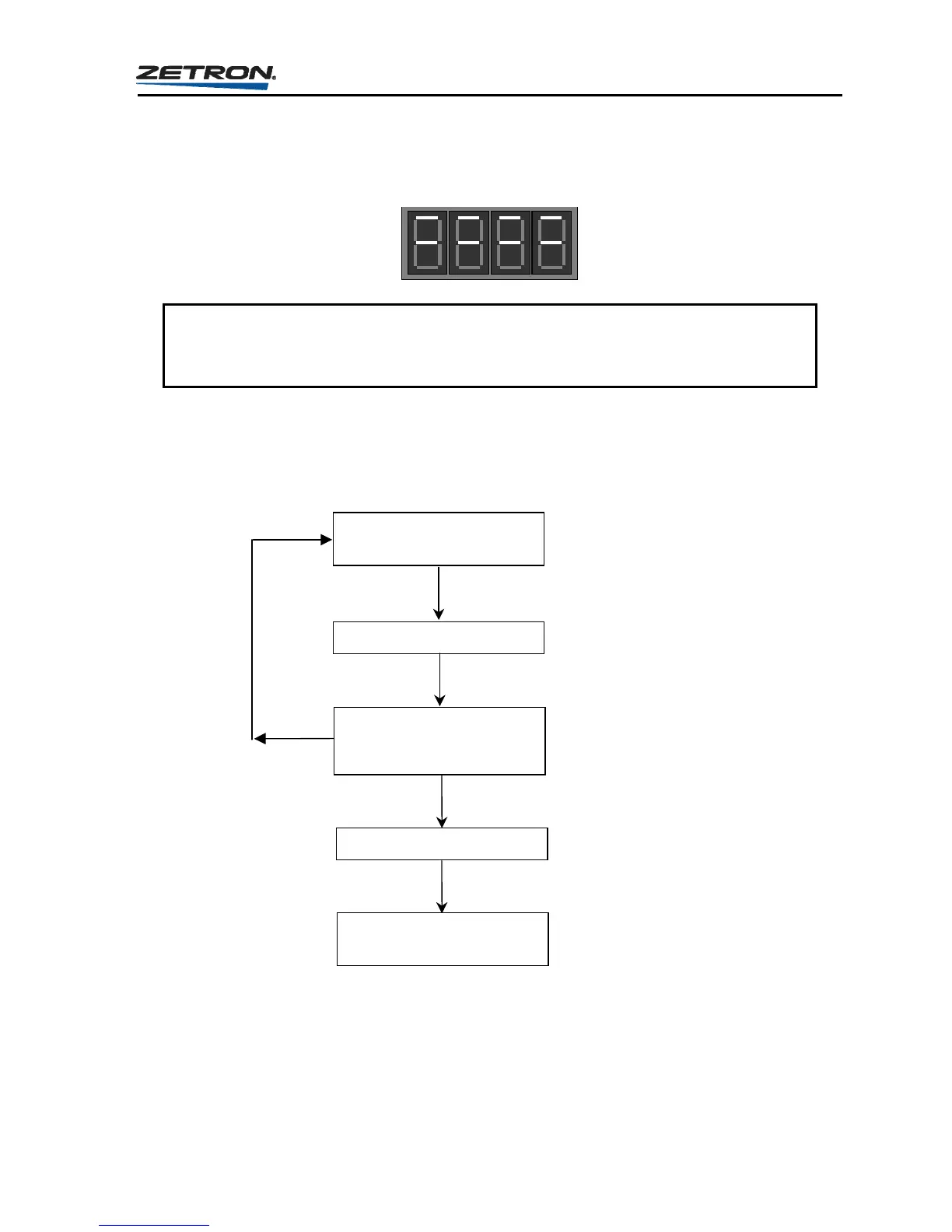
4. Once the top SEND button is pressed (see Figure 13), the Model 25 will immediately
begin to load all changes made in this section to memory to be used until new changes
are made. During the time that the Model 25 is loading this information to memory, the
display will appear as shown here.
CAUTION
Do not remove power or press the RESET button while the Model 25 is loading the
memory, otherwise incorrect information could be loaded requiring reprogramming.
Once the Model 25 completes the loading procedure, it will return to the first question in
the Instant Call programming section, “Question Co_” on page 90. You may program
another Instant Call by starting a step 2 or press RESET to exit the programming mode
back to the idle state.
At the dash prompt,
enter a Call Code
Press the “ENTER” button
The display will return to a
dash to prompt for the next
code.
Press the top “SEND” button
The leading digit must be
entered first, followed by
the page code digits
required by the paging
format used.
Pressing ENTER loads the
call code into temporary
storage area until you
complete adding pages.
t this time, another page
can be added. This
continues until all call
codes have been added.
Returns to the main
question loop
Pressing the top SEND
button terminates the call
code entry loop and
returns to the Instant Call
Setup main question loop.
Figure 13. Question Loop for Entering Instant Call Page Codes



 To Next Page