Programming - Front Panel
90 025-9567E
1. To enter the Instant Call Setup section:
a. PRESS and HOLD the RESET key.
b. While still holding the RESET key, PRESS and HOLD the “C” key.
c. While still holding the “
C” key, RELEASE the RESET key.
d. Now RELEASE the “
C” key.
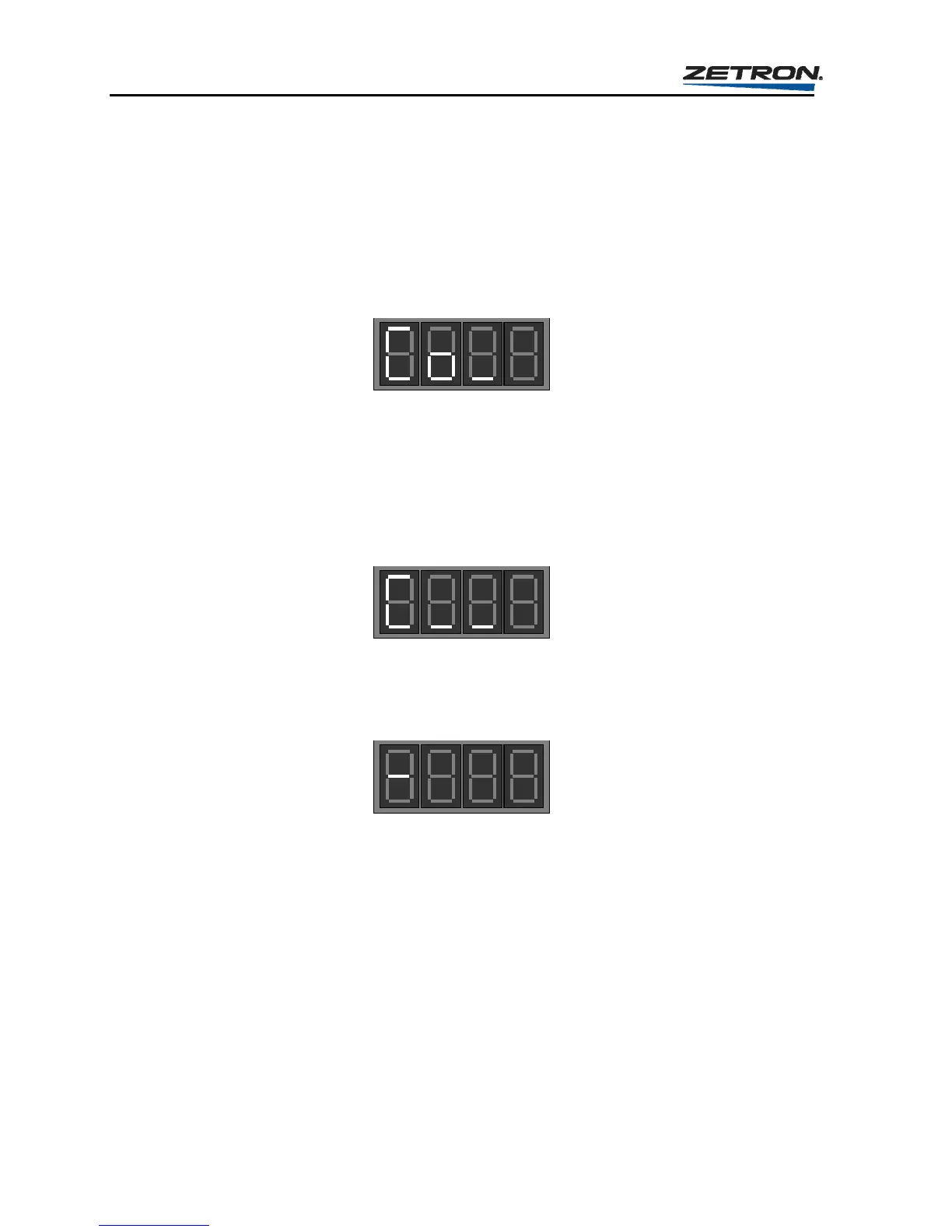
This will put you into the Instant Call Button Setup section and the display will show
the prompt for initial entry, “Question Co_”.
2. To change the settings for existing instant calls or to create a new instant call, enter a
“1”.
3. At the following prompt, press the particular instant call button to which you are
assigning a page (or pages). The instant call question loop must be completed for each
instant call button programmed into the Model 25. This step is referred to as Question
“C”.
Once the instant call button has been pressed, the display should change to single
dash on the left, like the following one. This is the prompt for you to start entering the
leading digit/page codes to assign to that number.
If the display does not change to the dash on its own, it is probably because the
“Review-Before-Send” feature has been enabled (see “General Operation Branch” on
page 92). To move ahead requires that you press the lower left button in the instant
call button array (now being used as a “send” button).
Follow the steps shown in Figure 13 to add as many call codes as necessary to the
instant call button.



 To Next Page