Programming - Front Panel
96 025-9567E
CAUTION
Do not remove power or press the RESET button while the Model 25 is loading the
memory, otherwise incorrect information could be loaded requiring reprogramming.
Once the Model 25 completes the loading procedure, it will return to the first question in the
General and Send Button programming section, “Question Ao_” on page 92. You may
program a Send button, make another pass through the General programming, or press
RESET to exit the programming mode back to the idle state.
PROGRAMMING SECTION 6 - REMOTE CONTROL SETUP
The Remote Control Setup Section configures the serial port for connection to a printer for
call logging, a computer system for CAD operation, or connection to an IBM compatible
computer for remote programming of the Model 25.
Entering Remote Control Setup
1. To enter the REMOTE CONTROL SETUP Section, from the keypad:
a. PRESS and HOLD the RESET key.
b. While still holding the RESET key, PRESS and HOLD the “D” key.
c. While still holding the “D” key, RELEASE the RESET key.
d. Now RELEASE the “D” key.
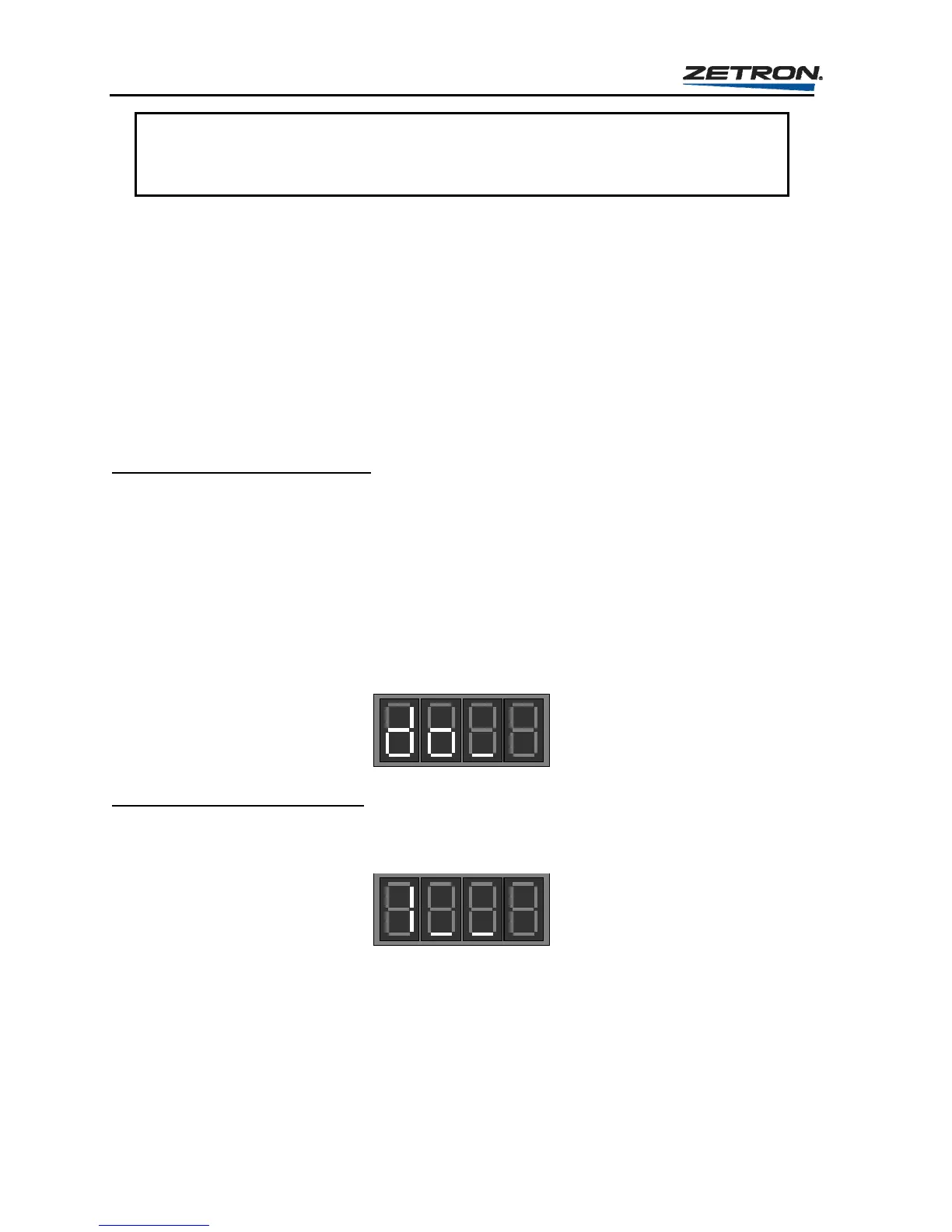
2. At the “Question do_” prompt, enter a “1” to start the question loop for Remote Control
Setup.
Question 1 - Baud Rate Select
At the following prompt, the encoder expects a single-digit response (0 to 2) to set the baud
rate used by the serial port of the Model 25. The default setting is “0”.
The baud rate choices are: 0 = 4800 baud
1 = 600 baud
2 = 150 baud
It is desirable to use the highest baud rate possible. Unless the device connected to the serial
port is unable to support it, use the default setting of 4800 baud.



 To Next Page