Encoder Installation
46 025-9567E
Use of the ASCII BEL character: enable or disable use
Use of the CTS signal: use CTS as a busy or ignore CTS
Polarity of the CTS signal: busy on “space” or “mark” levels
Call logging: disable or enable logging output.
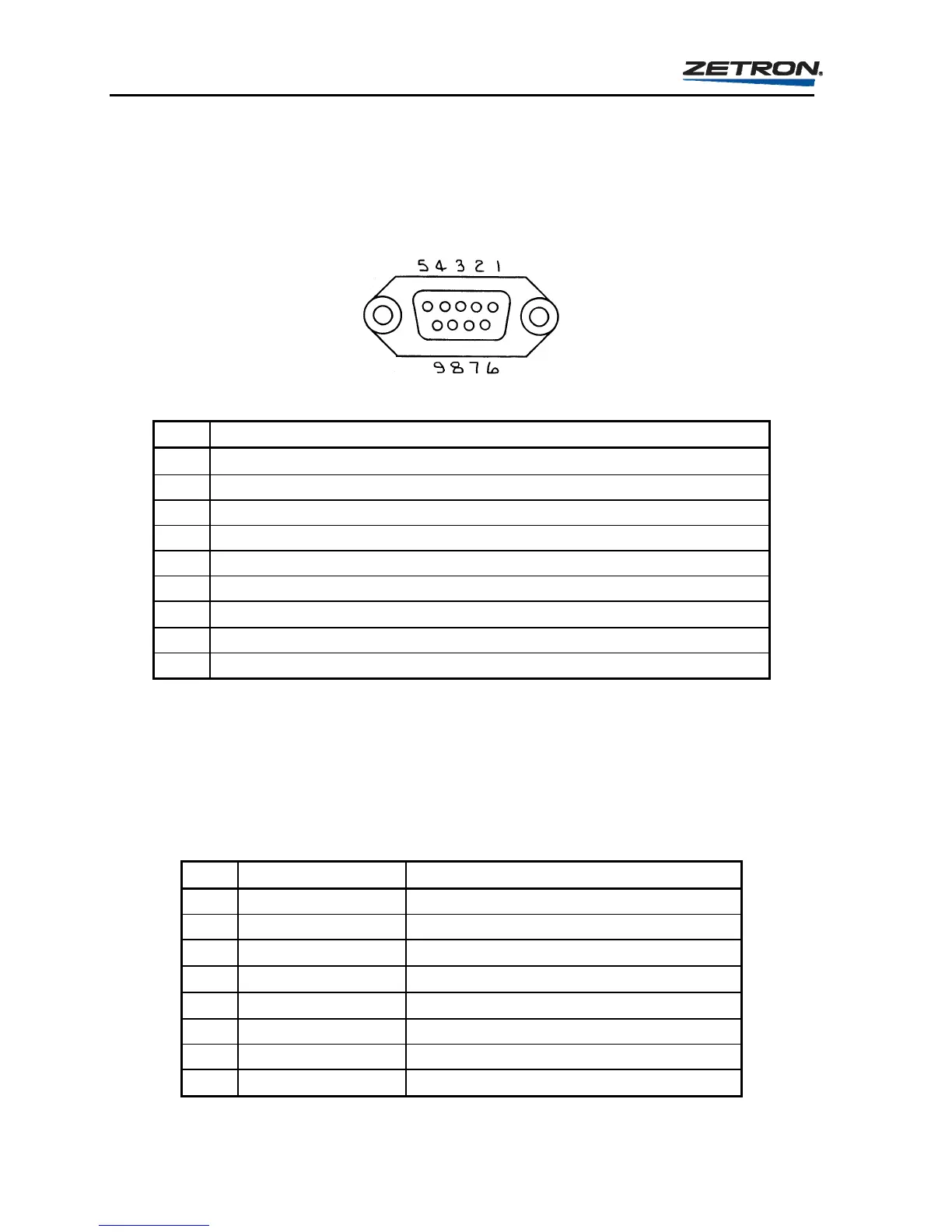
Table 14. Model 25 Computer Port Pinout
Pin Label/Function
1
DTR (data-terminal-ready) provides “space” (pull-up to +12v via 330)
2 N/C (no connection)
3 TX DATA (transmit data)
4 RX DATA (receive data) “break” resets encoder
5 SIGNAL-GROUND
6 N/C (no connection)
7
RTS (request-to-send) provides “space” (pull-up to +12v via 330)
8 CTS (clear-to-send) also known as “printer busy”
9 RMT-CTL (remote-control) “space” = RMT CTL
An example of connection to a PC or video terminal is shown in Table 15. Since a terminal is
to be used for remote controlling of the encoder, the encoder must be in the remote control
mode. Some terminals might use the CTS signal, which is available in this mode. Many
terminals will require that their own input signals (such as
RTS and CD) be tied to the proper
level before they will operate. See the manual of the terminal.
Table 15. Connection to PC or Video Terminal
Pin Label Connection
1 DTR
2 N/C
3 TX DATA
to CRT “RX data” signal
4 RX DATA
from CRT “TX data” signal
5 SIGNAL-GROUND
to CRT signal ground
6 N/C
7 RTS jumper to pin 9
8 CTS
optional connection to CRT “RTS”



 To Next Page