¾ Please wait until the installation is completed (Figure 6)
Close the installation by pressing „
Next
“ key.
Figure 6
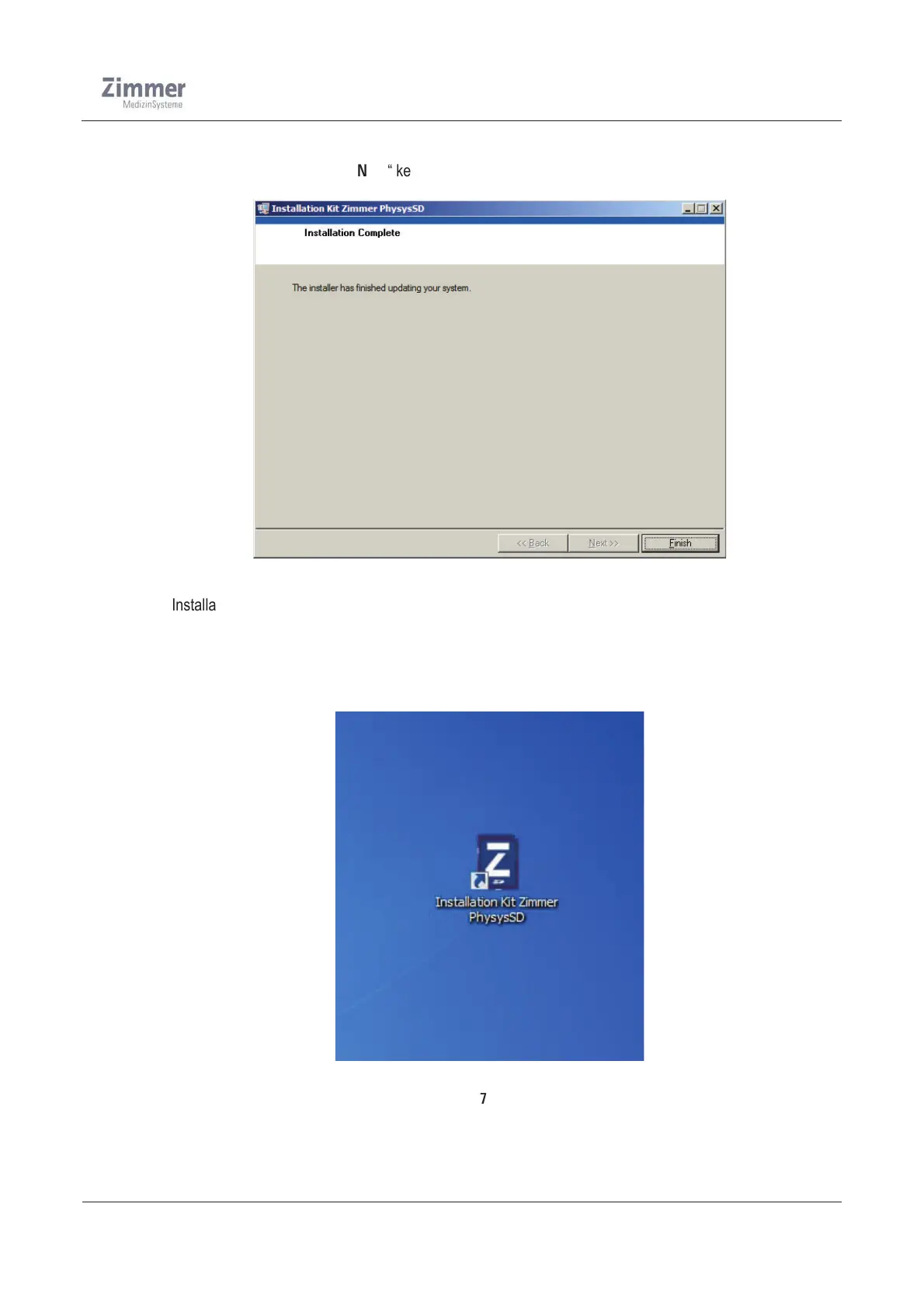
¾ The Installation program has proceeded to the following :
Î It has installed the SD-card-update program on your computer.
Î It has placed an icon for the SD-card-update program onto your desktop.
The program can be started by simply double clicking the icon.
Figure 7


 To Next Page
 Loading...