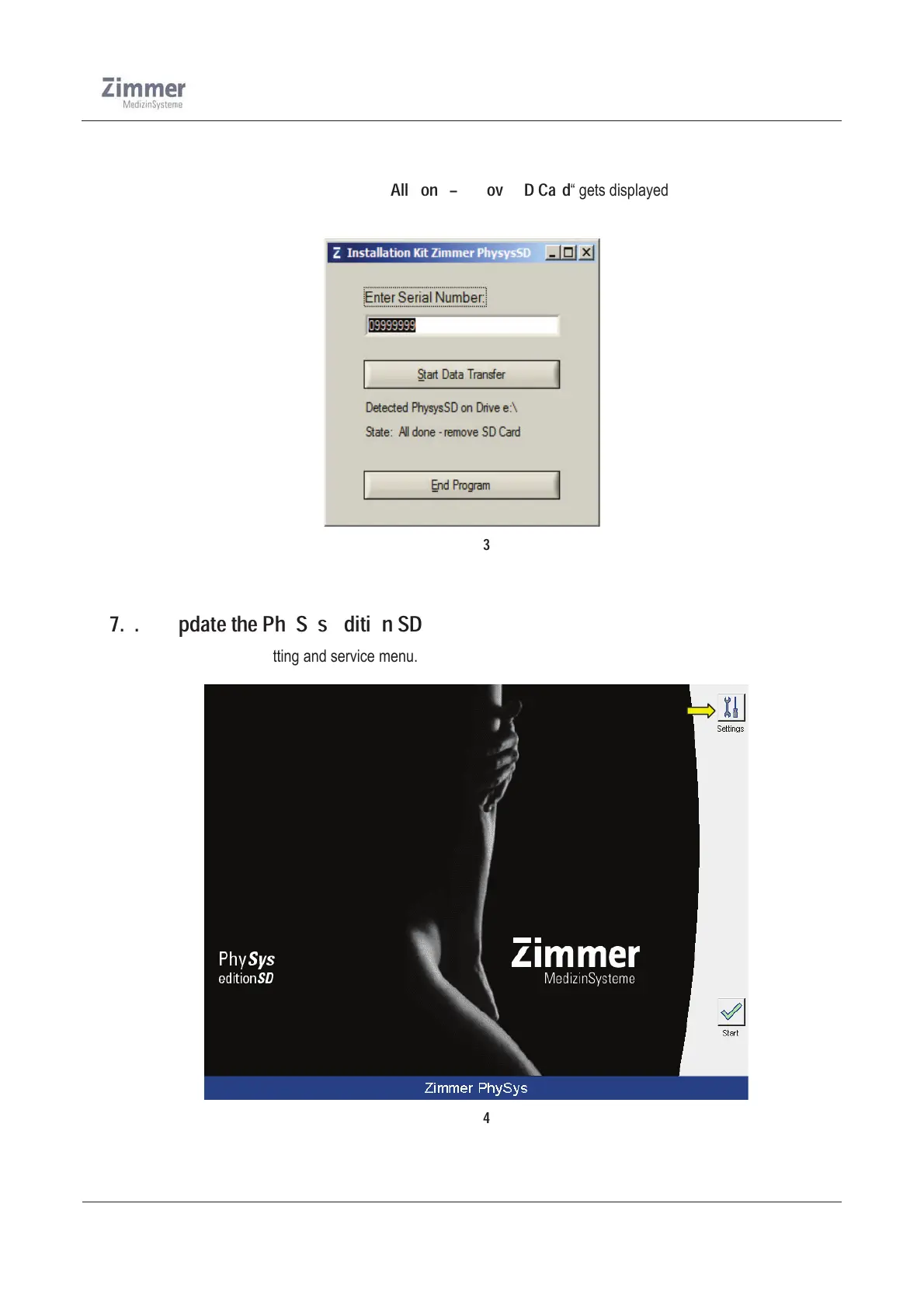
Î The program first copies all information stored on the SD-card into the path in the computer.
Î Then the necessary files for the update are saved onto the SD-card.
Î When finished the information „
All done – remove SD Card
“ gets displayed (Figure 13).
Î You can now remove the SD-card from the PC.
Figure 13
7.3. Update the PhySys Edition SD
¾ Open the setting and service menu.
Figure 14













 To Next Page