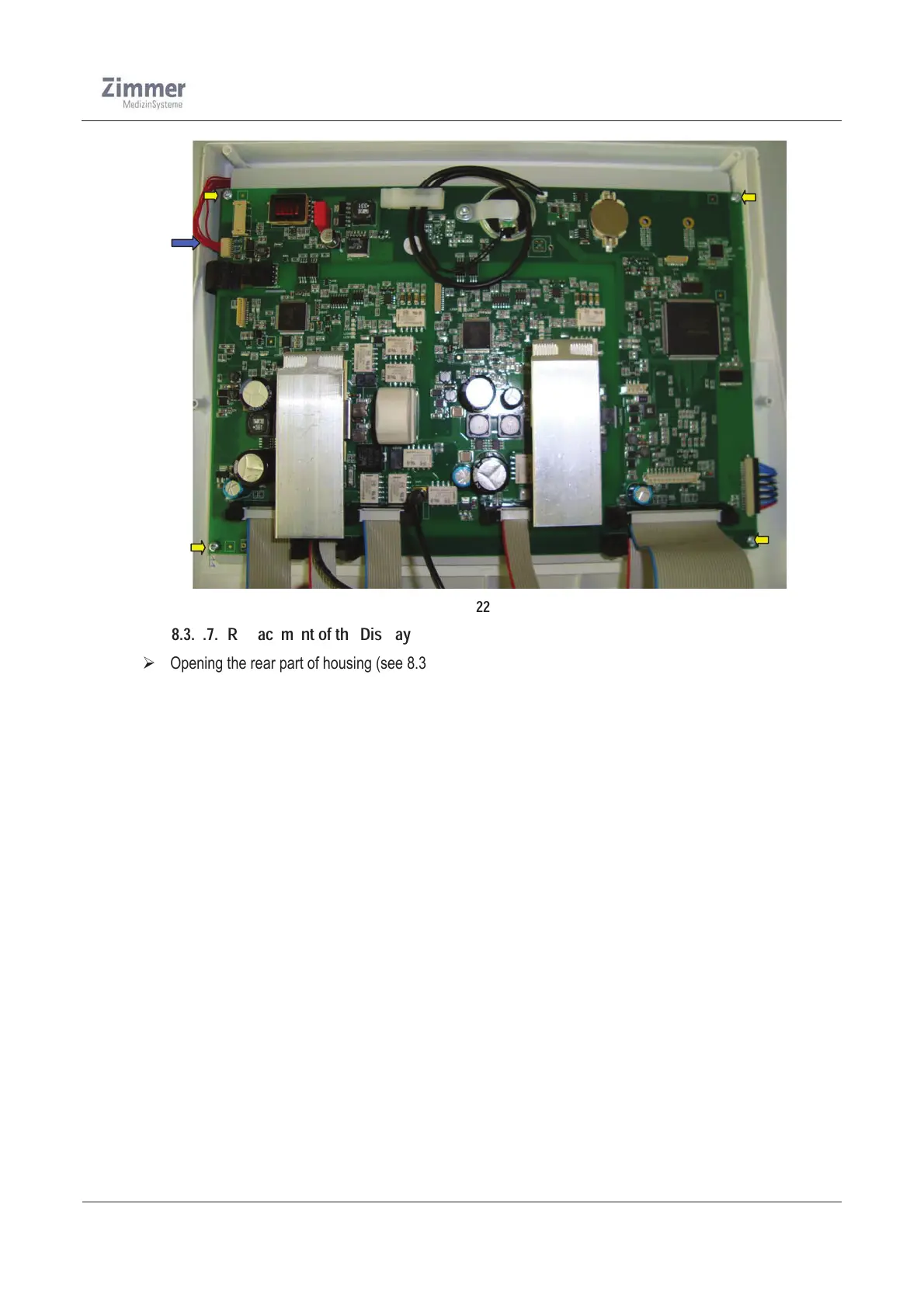
Figure 22
8.3.1.7. Replacement of the Display
¾ Opening the rear part of housing (see 8.3.1.1)
¾ Remove the front part of housing from the lower part (see 8.3.1.3 )
¾ Disconnect all cables from the main board
¾ Remove the mainboard from the distance bolts and take out of the isolation foil
¾ Unscrew the 4x distance bolts and place the display aside
¾ Place the new display on the front part and fix it by screwing the 4x distance bolts
¾ Fit the isolation foil into the front part and mount the mainboard again
¾ Connect all cables
¾ Mount the front part and rear part to the lower part of housing ( see 8.3.1.2, 8.3.1.4)
¾ Run a function check (use the Safety check in chapter 12)













 To Next Page