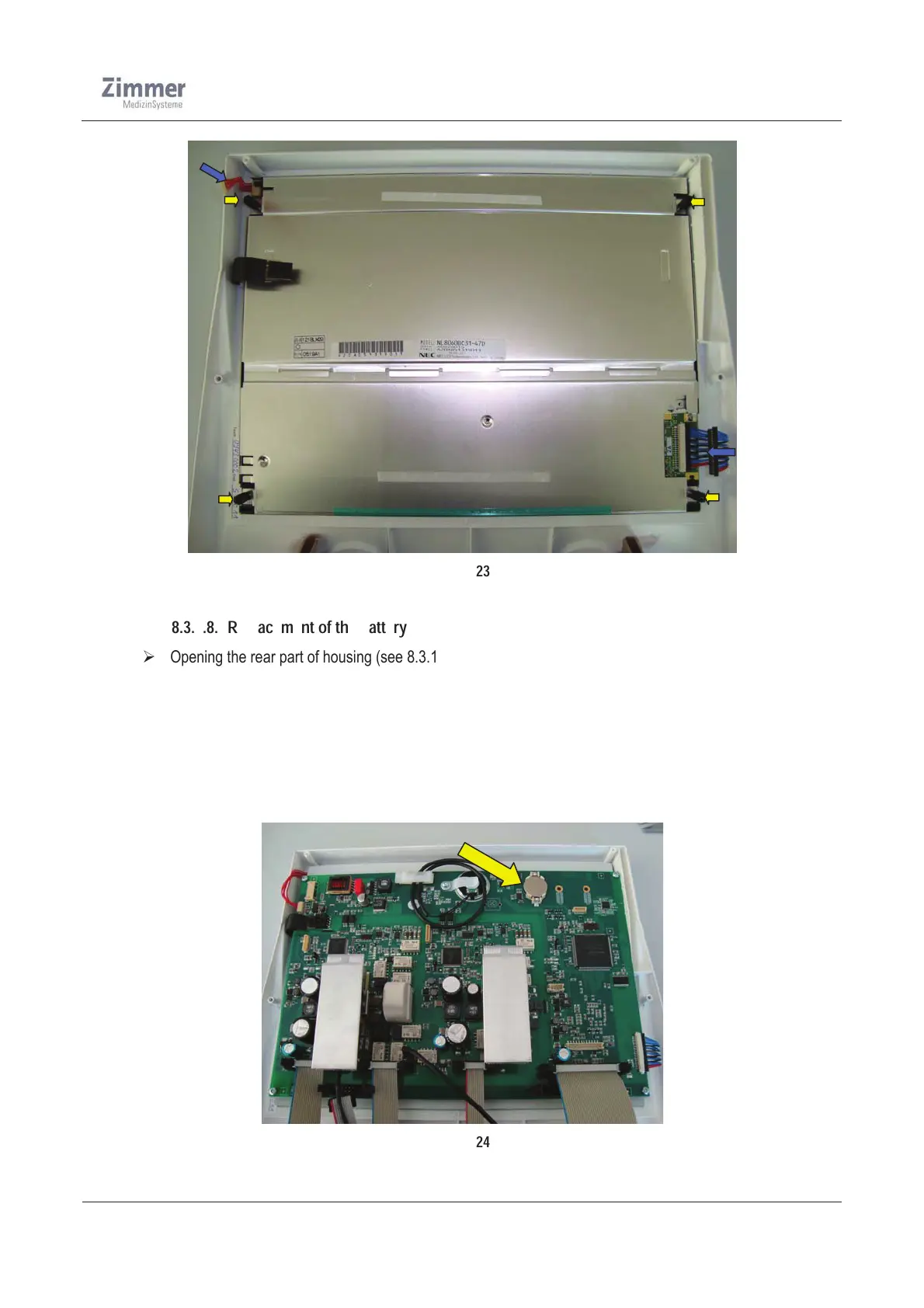
Figure 23
8.3.1.8. Replacement of the battery
¾ Opening the rear part of housing (see 8.3.1.1)
¾ Remove battery using a screw driver (see Figure 24)
¾ Insert the new battery
¾ After replacing the battery close the rear part of housing
¾ Connect the device to the power source and turn on the device
¾ In the maintenance window of the configuration menu set the current RTC (Real time clock) again and
confirm these inputs
¾ Close the configuration window and restart the device again
Figure 24













 To Next Page