7.2. Processing the SD-card update
At the end of the installation, the SD-card-update program automatically starts. If not, please start manually with double
clicking the icon (Figure 7).
¾ First remove the SD-card from the PhySys Edition SD unit and insert it in the SD-card slot of the computer.
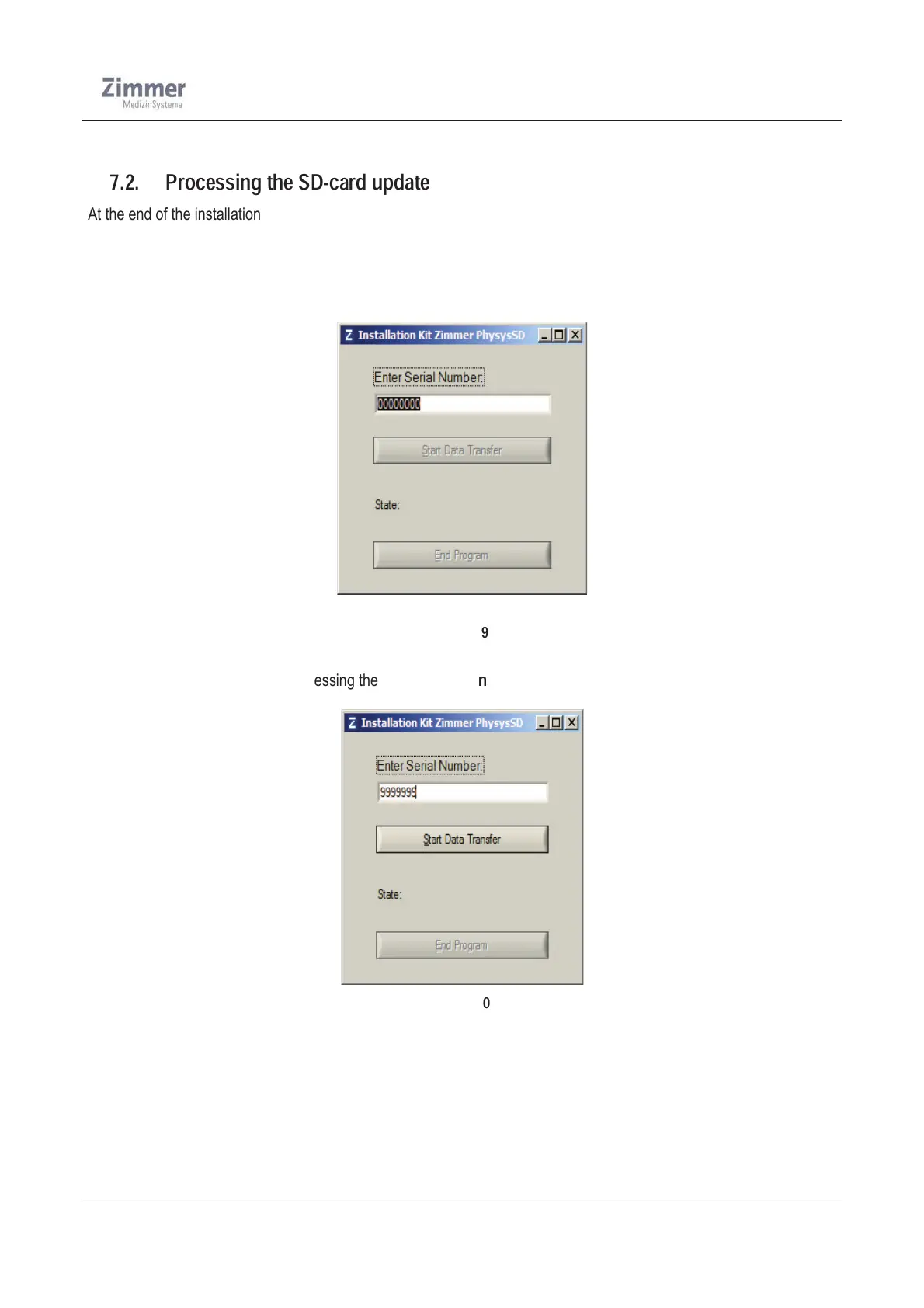
¾ Please enter the Serial number of the PhySys Edition SD unit, from which you removed the SD-card (Figure 9).
Picture 9
¾ Start the data transfer by pressing the „
Start Data Transfer
“ (Figure 10) key.
Figure 10













 To Next Page