5.
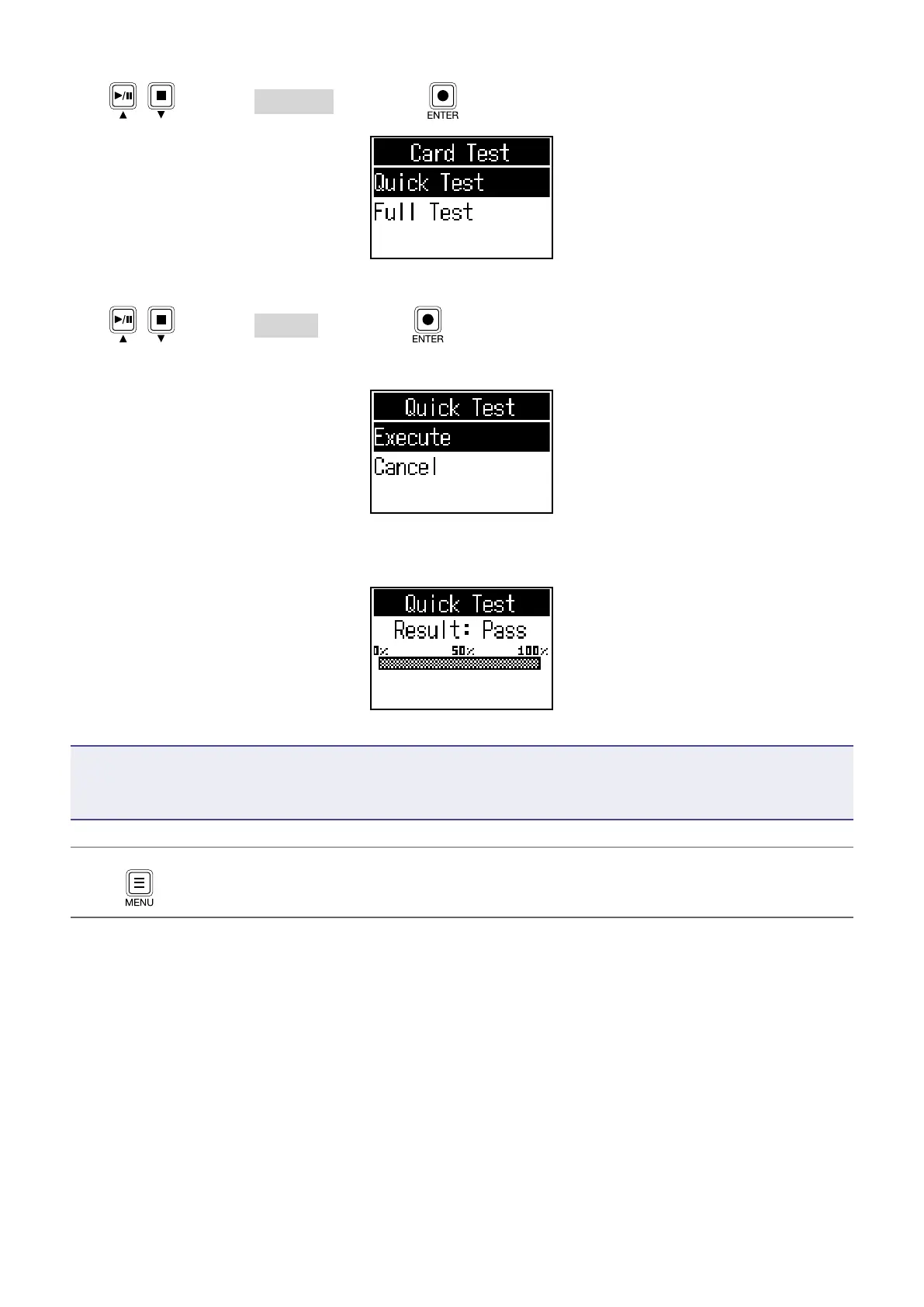
Use / to select Quick Test, and press .
6.
Use / to select Execute, and press .
The card performance test will start. The test should take about 30 seconds.
The result of the test will be shown when it completes.
NOTE
Even if a performance test result is “Pass”, there is no guarantee that writing errors will not occur. This
information is just to provide guidance.
HINT
Press to cancel a test while it is being executed.
46



 To Next Page
 Loading...











