4.
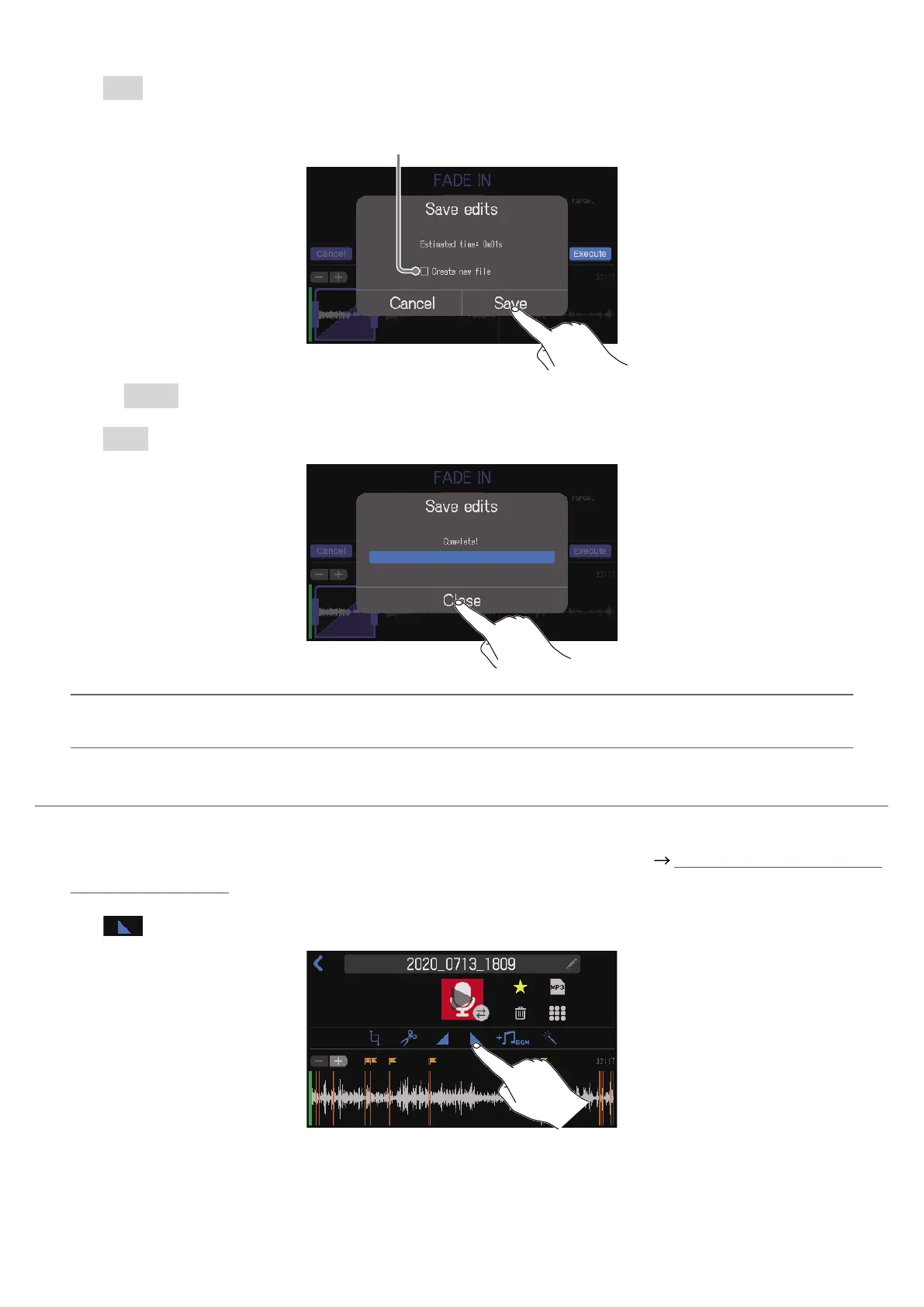
Tap Save.
Tap to add a check to create a new le with the fade-in effect
(and keep the le without the effect as is).
Select Cancel to cancel adding a fade-in.
5.
Tap Close.
HINT
If a new le is created after adding a fade-in, “_FADEIN” will be added to the end of the le name.
Fade out
1.
Open the editing screen for the le to which you want to add a fade out ( “Opening the File Editing
Screen” on page 56).
2.
Tap .
64



 To Next Page
 Loading...







