ZPrinter
®
350 / ZPrinter
®
450 User Manual ZPrinter 350 and ZPrinter 450 Overview
3dscentral.3dsystems.com 15 All Rights Reserved
10/31/12
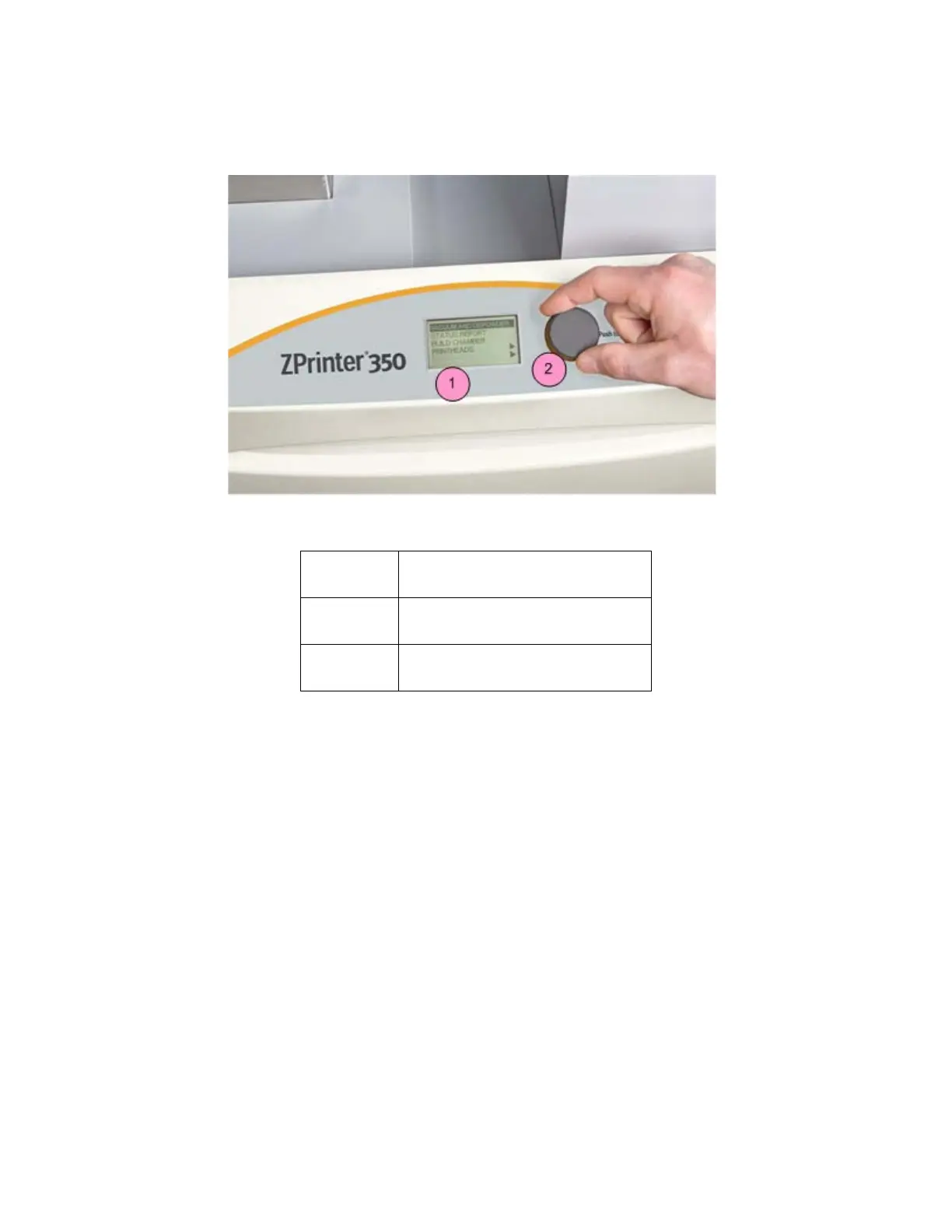
1.6.9 LCD Display And Control Knob (Control Panel)
1.6.10 Control Knob Operations
Push the Control Knob once to:
• Bring up the LCD menu.
• Select a menu item.
• Open a submenu.
• Start/Cancel/Stop a menu function.
Turn the Control Knob left or right to:
• Highlight a menu item.
Number Component
1 LCD Display
2 Control Knob



 To Next Page