ZPrinter
®
350 / ZPrinter
®
450 User Manual Additional Operations
3dscentral.3dsystems.com 41 All Rights Reserved
10/31/12
5.2.1 Ready to Print
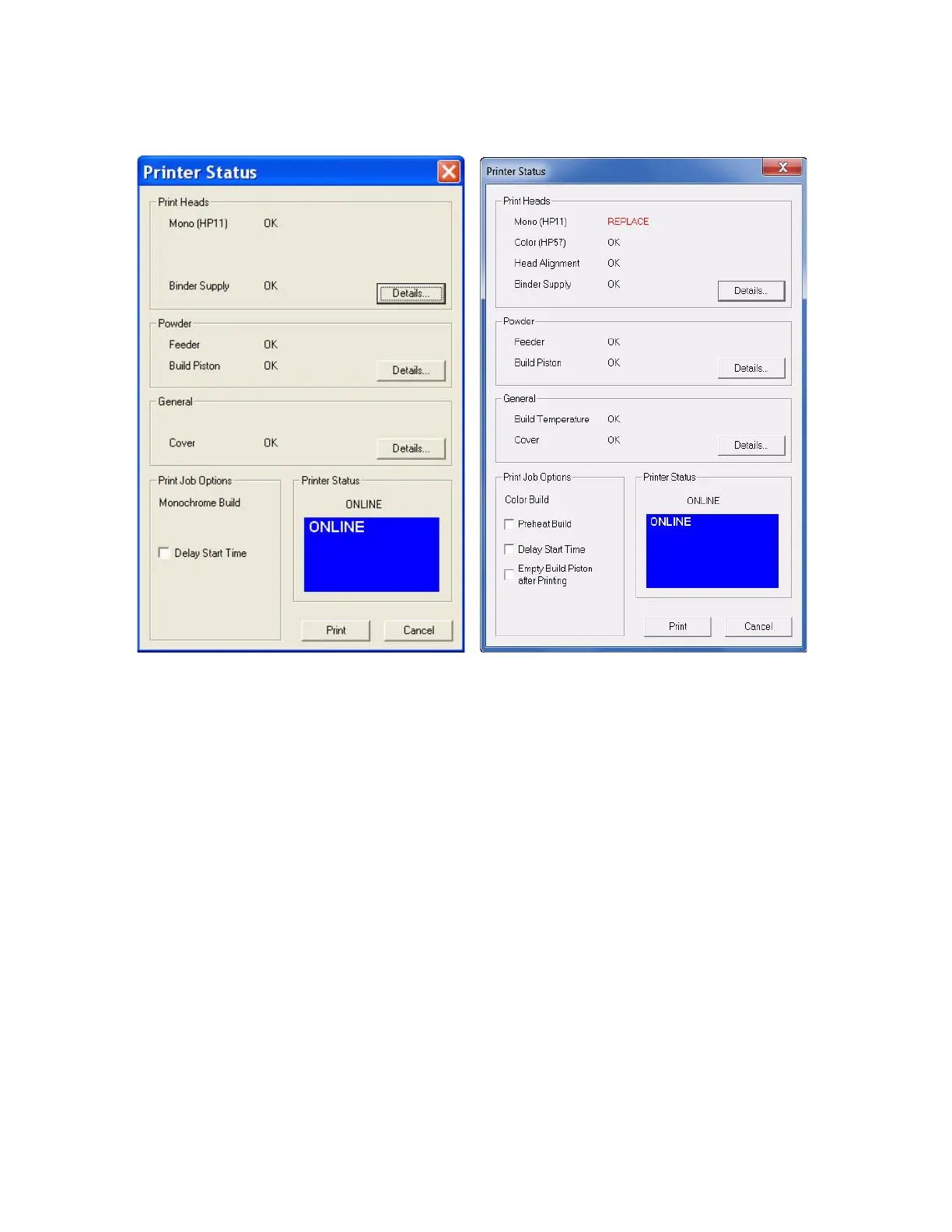
In the examples above, the Printer Status dialog shows the printer is ready for printing. Notice that
each item shows OK except for HP11 print head, which needs to be replaced soon. In both cases the
Print button is enabled. From here you would choose your printing options and click Print to start the
job. Before the printer starts printing your file, it will first:
• fill the Build Bed with powder
• spread a layer to ensure the Build Bed surface is smooth
• service the print head(s)



 To Next Page