ZPrinter
®
350 / ZPrinter
®
450 User Manual Troubleshooting the ZPrinter 350/450
3dscentral.3dsystems.com 69 All Rights Reserved
10/31/12
7.8 Part Quality Issues Streaky/Striped Parts, Delamination, Weak
Parts
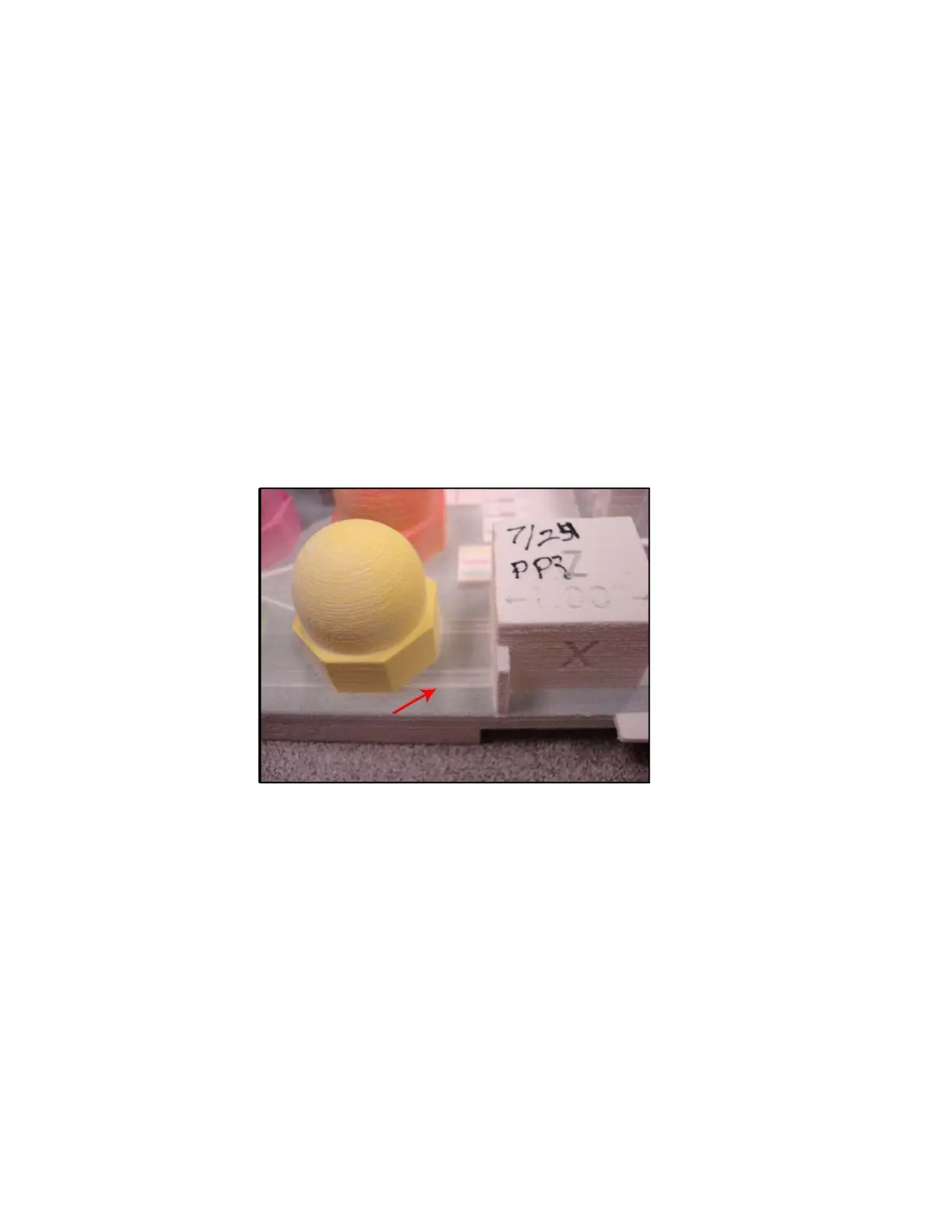
Explanation: In a color print job, streaky or striped parts are easy to identify (see photo below). The
streaks or stripes are caused either by powder buildup on the print head, a failed print head, or an electri-
cal issue within the printer. With a monochrome printer, this is harder to see, and in fact often shows up as
weak parts, or parts that delaminate.
Delamination (layers splitting apart) may be due to a print head that is caked with powder, or a pause in
network communications.
Solution - Both:
• Clean the service station. See Section 3.4, ’Clean The Service Station’.
• Ensure the printer has cleaning solution.
• Clean the Fast Axis Rails of any debris and reboot the printer. See Section 3.3, ’Clean The Fast
Axis Rails and Carriage’.
If the problem persists,
• Clean the pogo pins and the print head contacts.
Additional Solution - Delamination
Check your PC settings. The printer may be pausing as it waits for additional data from the PC. While
pausing, the printed part begins to dry and as a result the next layer does not stick to the last layer printed.
Your PC should be dedicated to ZPrint. Your PC Power Management software should be completely shut
off.



 To Next Page