ZPrinter
®
350 / ZPrinter
®
450 User Manual Troubleshooting the ZPrinter 350/450
3dscentral.3dsystems.com 71 All Rights Reserved
10/31/12
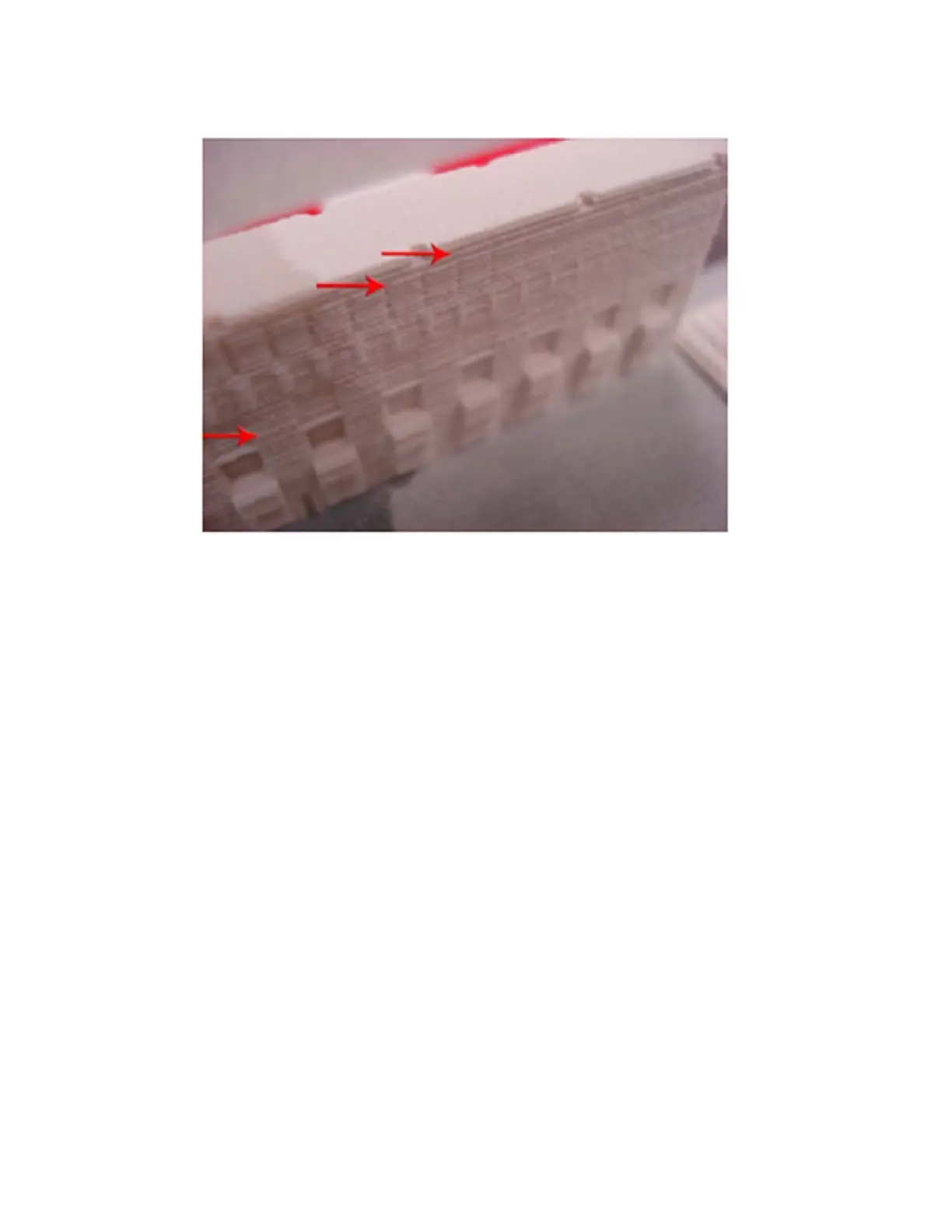
Solution - Print Head
Troubleshoot using Section 7.3, ’Print Head Errors/Weak Parts’.
Solution - Motion Problems
• Clean the Fast Axis Rails. See Section 3.3, ’Clean The Fast Axis Rails and Carriage’.
7.10 Miscellaneous Problems
7.10.1 Vacuum Has Low/No Suction
Explanation: This is usually an indication that the Debris Separator needs to be emptied and cleaned, or
that the vacuum hose is plugged or damaged. Less commonly, the printer may have been turned off and
on too quickly. Always wait 1 minute after turning power off before turning it on again.
Solution:
• Debris Separator
• Remove the Debris Separator and empty the contents into a waste receptacle.
• Check that its gasket is not damaged. Also check that all four magnets are in place on the back of
the Separator. These magnets hold the Separator against the panel.
• When you replace the Debris Separator, ensure that it is flush against the panel.
• Vacuum Hose
• Check the vacuum hose is not plugged with debris.
• Check that the vacuum hose is not cut or torn.



 To Next Page