ZPrinter
®
350 / ZPrinter
®
450 User Manual Routine Cleaning
3dscentral.3dsystems.com 30 All Rights Reserved
10/31/12
3 Routine Cleaning
This chapter describes the routine cleaning you should complete after every build. This will prepare the
printer for the next build and keep the printer running smoothly. These tasks take only a few minutes to per-
form but make a huge difference in how well your printer runs.
• Section 3.1, ’Vacuum Excess Powder’
• Section 3.2, ’Empty The Debris Separator’
• Section 3.3, ’Clean The Fast Axis Rails and Carriage’
• Section 3.4, ’Clean The Service Station’
• Section 3.5, ’Clean the Parking Caps’
3.1 Vacuum Excess Powder
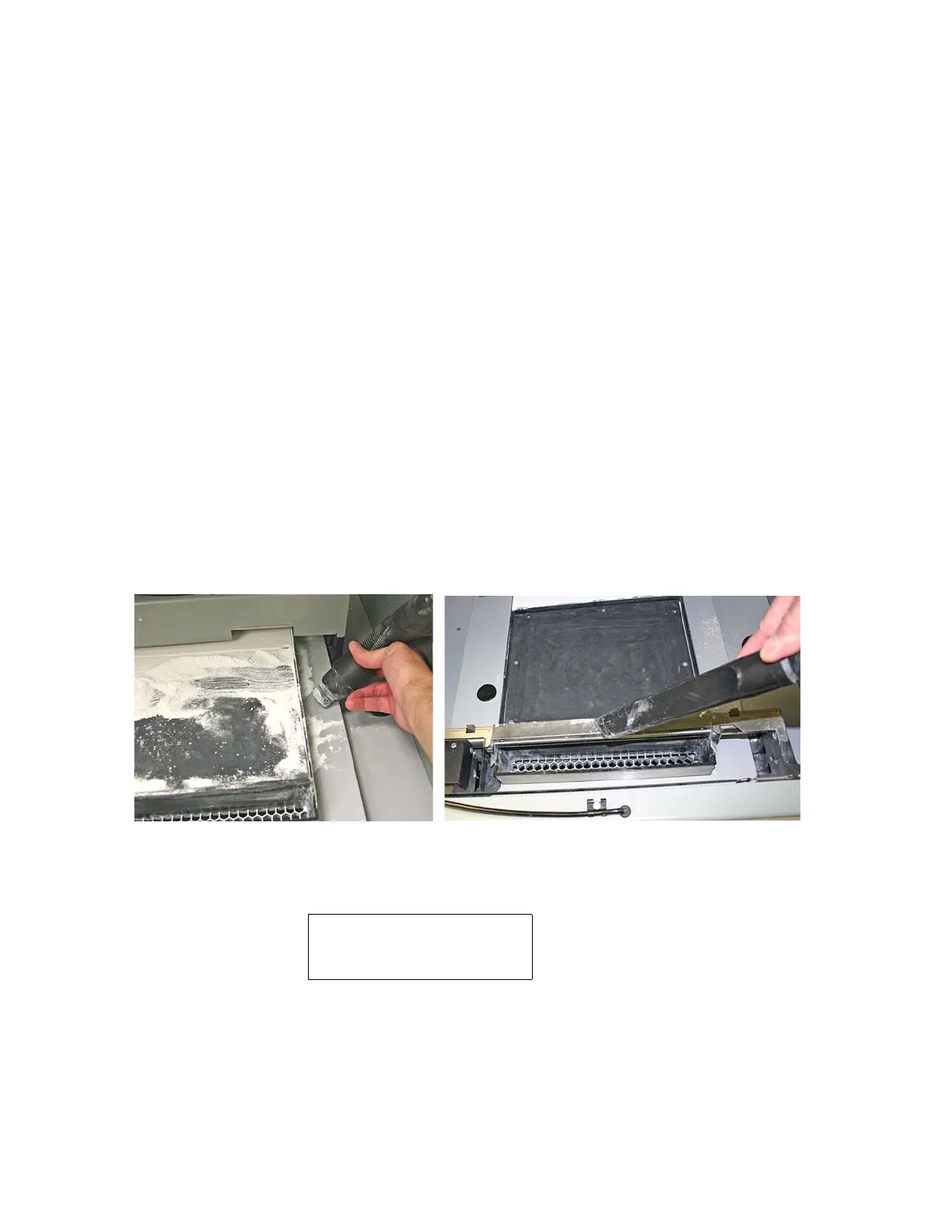
After every build, vacuum up all loose powder in the Build Chamber, including the Build Bed, Deck, and
Fast Axis including the Rails and Carriage. To vacuum:
1. Close the printer top cover.
2. Select
VACUUM AND DEPOWDER on the LCD menu.
3. Open the printer top cover. The vacuum starts. Remove the vacuum hose from its stand.
4. Vacuum any excess powder in the Build Bed, around the Deck, and on top of the Fast Axis. Pull the
Fast Axis forward and check for powder towards the back of the Build Chamber as well.
• You can leave powder in the Spread Deck (the area behind the Build Bed where powder is depos-
ited from the Feeder and spread to the Build Bed).
5. The vacuum will stop automatically if the Feeder becomes full, or you can push the Control Knob once
to shut off the vacuum. If the Feeder does become full, the LCD displays:
6. Only continue running the vacuum if there is very little powder remaining to be cleaned up.
NOTE - When the feeder is full, it has enough powder to complete a build that uses the entire 8” verti-
cal capacity of the Build Bed. Adding further powder provides no benefit, and risks overfilling the
feeder. Do not continue running the vacuum after the
FEEDER IS FULL message appears. If
FEEDER IS FULL
AUTO SHUTOFF IN 10 SEC
KEEP VACUUM ON



 To Next Page