ZPrinter
®
350 / ZPrinter
®
450 User Manual Routine Cleaning
3dscentral.3dsystems.com 34 All Rights Reserved
10/31/12
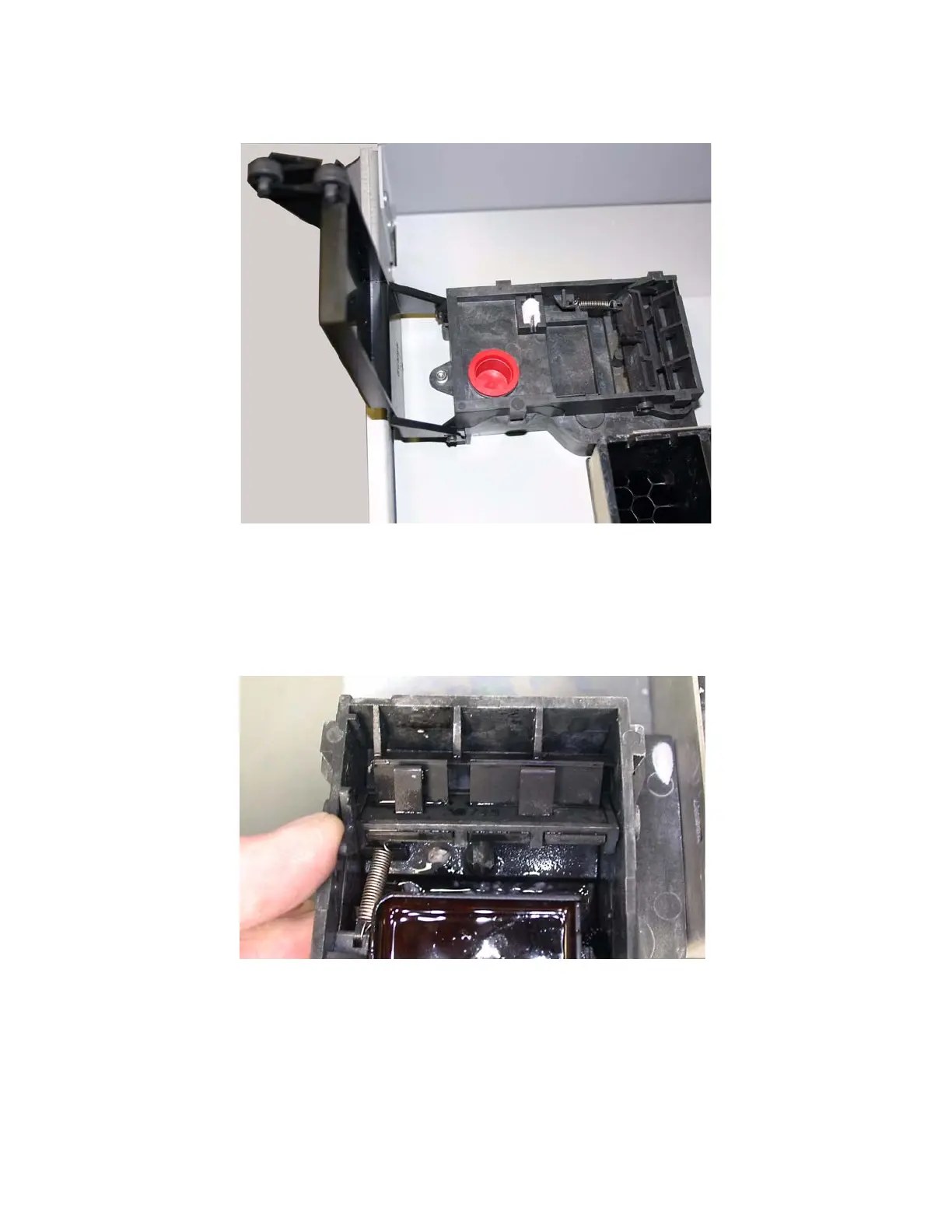
3.4.2 Example - Clean Service Station
3.4.3 Cleaning Procedure
1. Place paper towels around the Service Station, and between the Service Station and the Build Bed.
2. Cover the front overflow with paper towels.
3. Push the lever to position the Squeegees for easier cleaning.



 To Next Page