ZPrinter
®
350 / ZPrinter
®
450 User Manual Routine Cleaning
3dscentral.3dsystems.com 33 All Rights Reserved
10/31/12
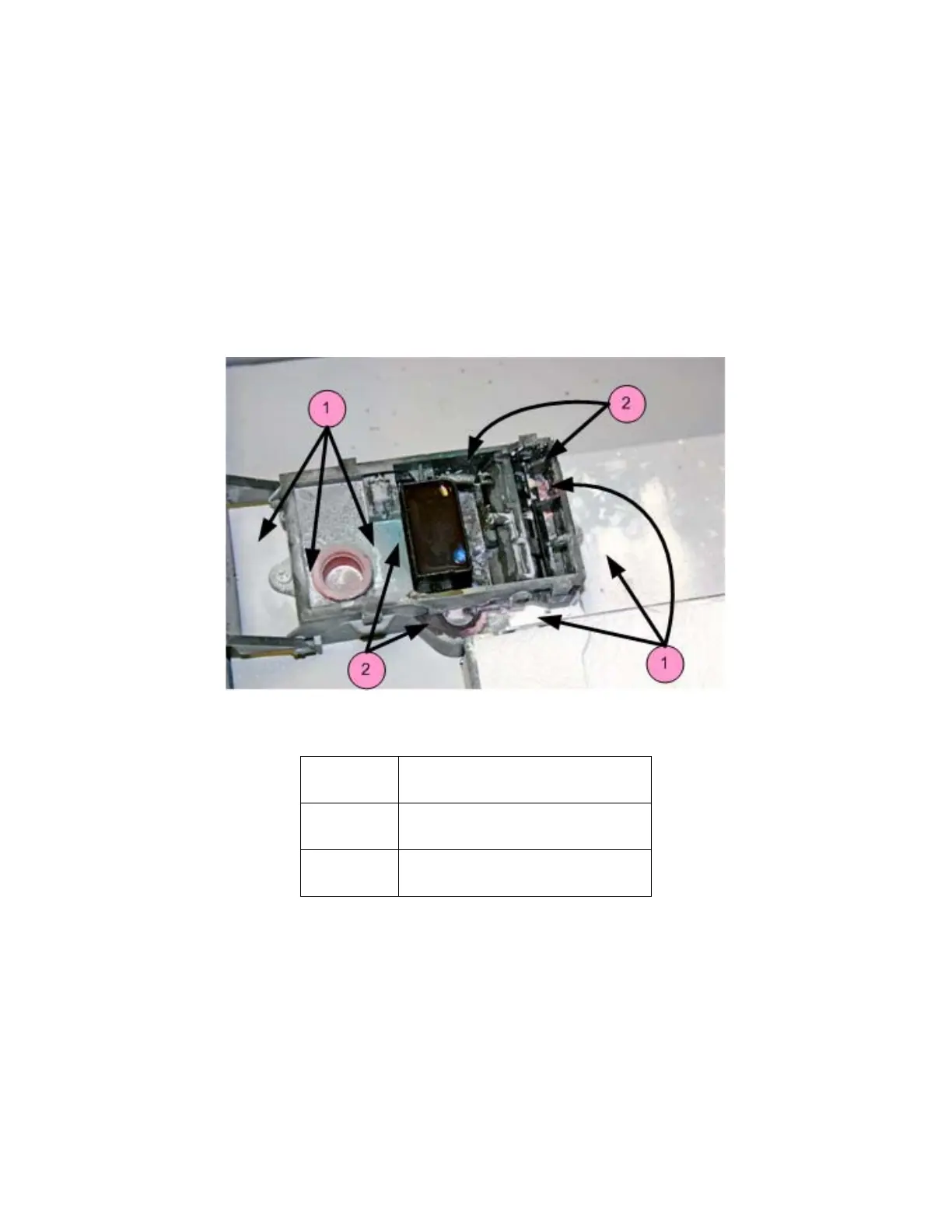
3.4 Clean The Service Station
The function of the Service Station is to clean the print head during printing. Clean the Service Station after
every build to remove residue buildup and ensure the print head is kept clean.
Before you begin:
• Get several dry paper towels and some cotton swabs.
• Get the squirt bottle filled with distilled water.
• Wear disposable gloves.
• Get the Pick from the Accessories Kit.
3.4.1 Example - Dirty Service Station
Number Description
1 Powder Residue
2 Ink, Binder Residue



 To Next Page