ZPrinter
®
350 / ZPrinter
®
450 User Manual Setup And Print The Build
3dscentral.3dsystems.com 25 All Rights Reserved
10/31/12
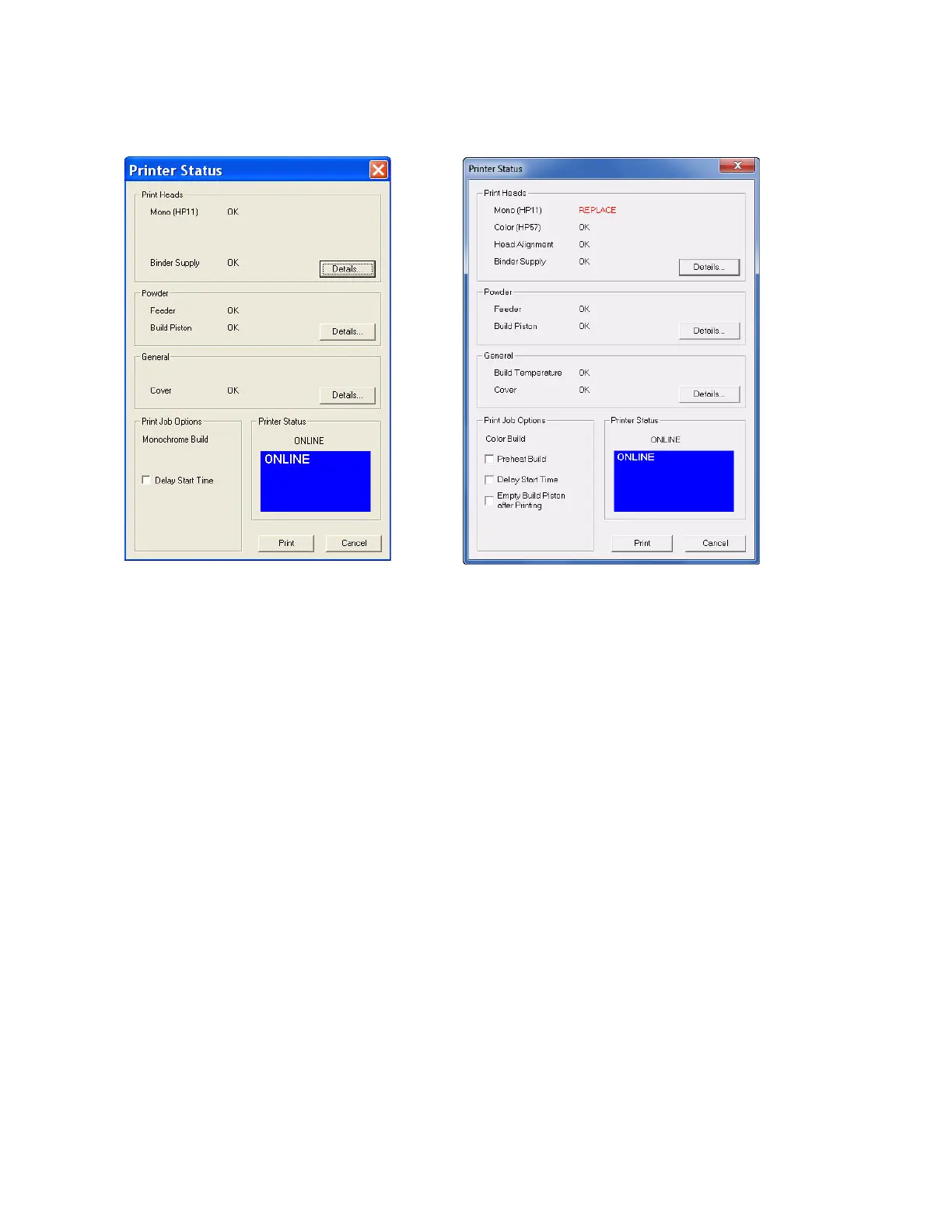
2. Choose your options for the build in the Print Job Options section of the Printer Status dialog.
• Preheat Build - Warms up the build chamber before printing (ZPrinter 450 only).
• Delay Start Time - Delays starting the build for a time period you specify.
• Empty Build Piston After Printing - Turns on Automated Gross Depowdering (AGD), which
vibrates the build platform after printing and vacuums excess powder down through holes in the
build platform. (ZPrinter 450 only)
3. Check the Printer Status window to see what is currently displayed on the printer LCD menu. The
printer must be Online before you can start the print job.
4. When all of the items in the Print Head, Powder, and General sections show OK, the Print button is
enabled. Click Print to start the build. Before starting the build, the printer will:
• Service the print head
• Fill the Build Bed with powder and then spread one layer to make the top surface smooth
5. The Printing dialog opens and tracks the following information for the duration of the build:
• Estimated Finish Time
• Estimated Time Remaining
• Layer% Completion status bar
• Starting Time
•Elapsed Time
• Pause Button - Click to pause the build. Click again to resume the build
• Cancel Button - Click to cancel the build
• Cross-section view (2D) of the current build
• Part orientation of the current build as it is printing, in the X-Z Axis (side view)



 To Next Page