ZPrinter
®
350 / ZPrinter
®
450 User Manual Routine Cleaning
3dscentral.3dsystems.com 36 All Rights Reserved
10/31/12
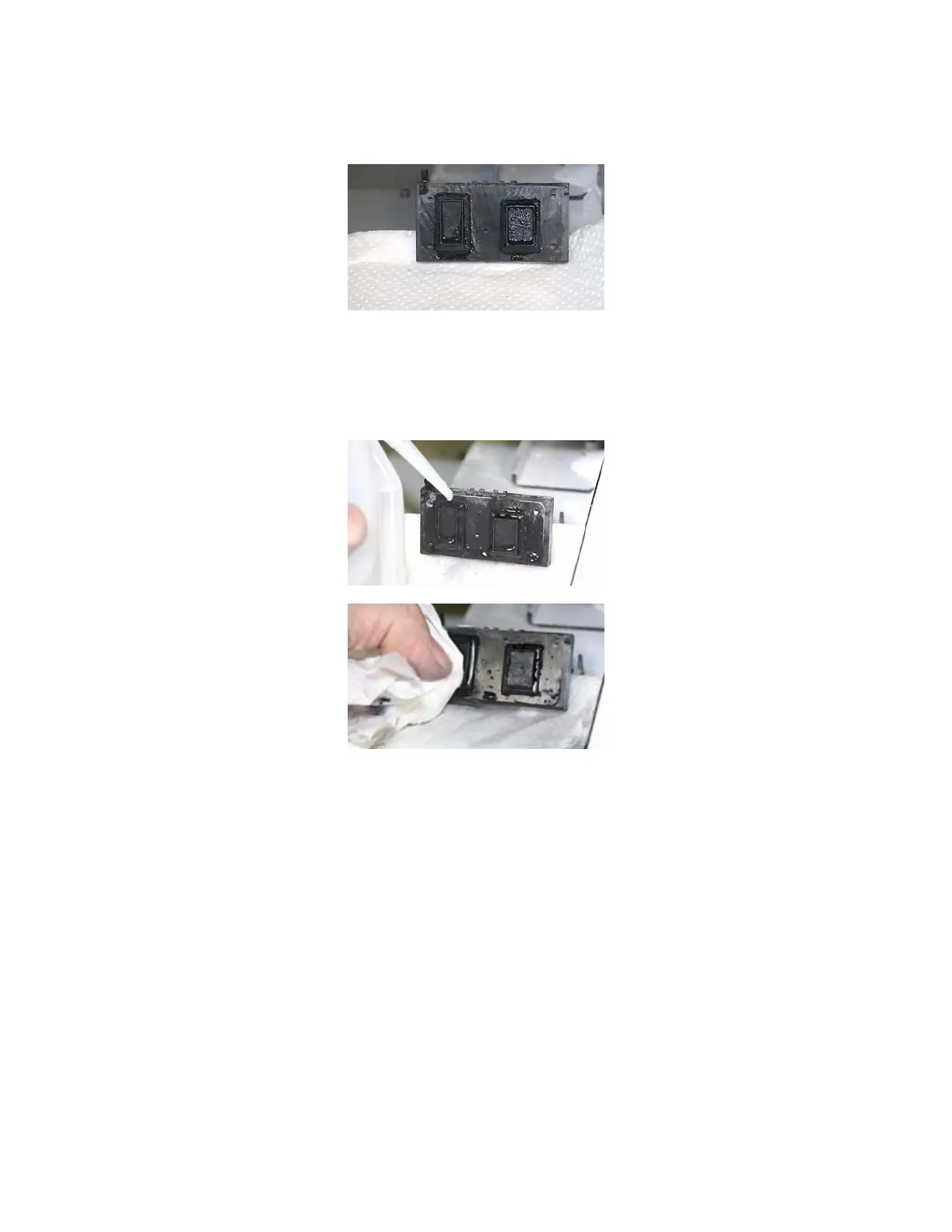
1. Lift the Parking Cap cover to a horizontal position and place a dry paper towel underneath.
2. Squirt the distilled water onto the cover to clean the Parking Caps. Do not squirt water into the powder.
3. Use a dry paper towel to wipe the Parking Caps clean.
4. Remove the paper towel and wipe up any excess water on the Deck.



 To Next Page