ZPrinter
®
350 / ZPrinter
®
450 User Manual Printer Maintenance
3dscentral.3dsystems.com 53 All Rights Reserved
10/31/12
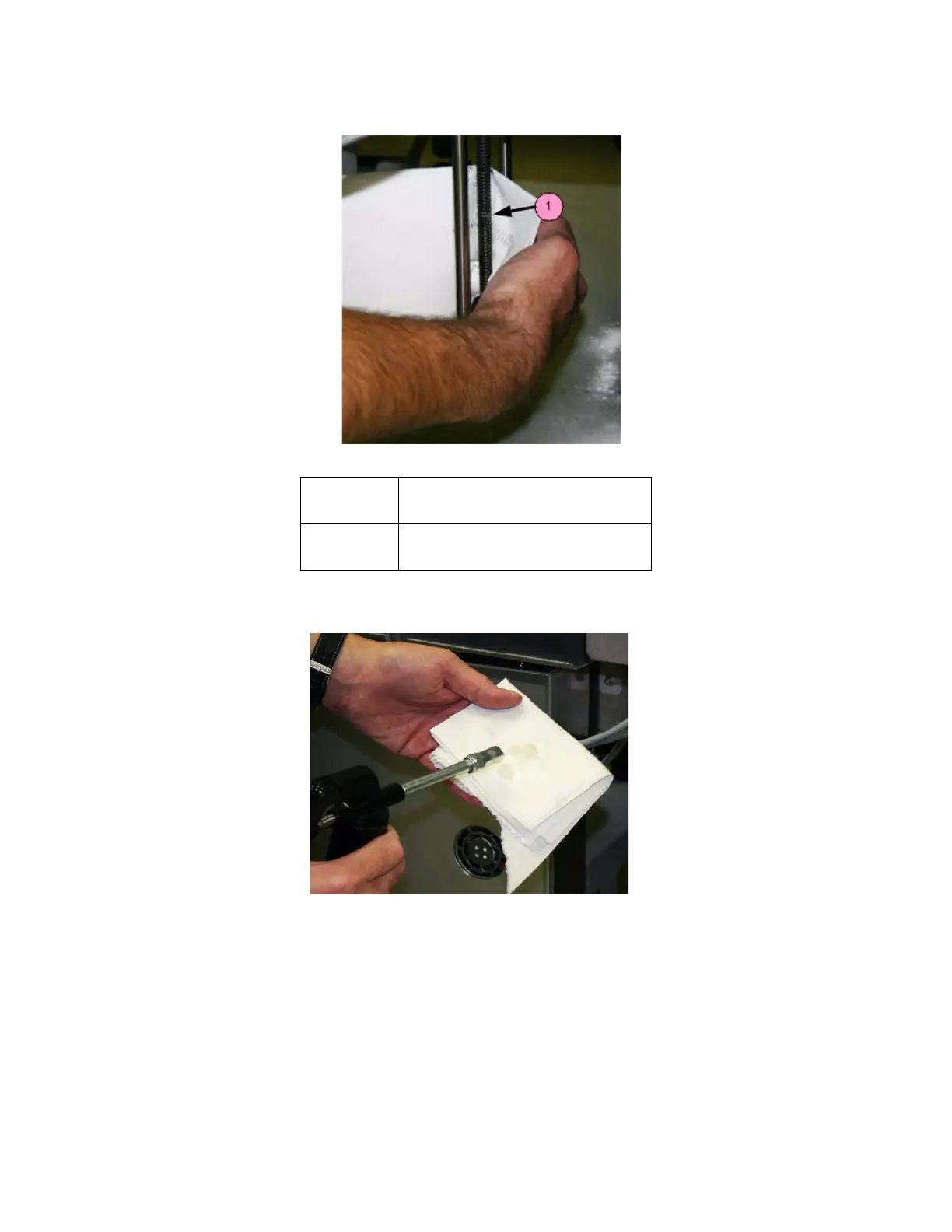
6. Wipe the Piston Screw clean of old grease, dust, etc.
7. Squirt grease onto a paper towel and spread the grease up and down the Piston Screw to evenly dis-
tribute it over the entire length of the screw.
8. Move the Build Bed up and down through its full range of travel a couple of times to finish lubricating
the screw. Use the LCD menu items
BUILD CHAMBER > RAISE PLATFORM and BUILD
CHAMBER > LOWER PLATFORM
. Don’t forget to hold down the Control Knob to raise or lower the
platform.
9. Wipe off any grease that may collect at the bottom of the screw with a clean paper towel.
10. Replace the side and back cover panels.
11. Reset the Maintenance Counter in ZPrint.
Number Component
1Piston Screw



 To Next Page