User’s Manual
Enterprise Access Point ENGLISH
Copyright © 4IPNET, INC. All rights reserved.
8.4 Utilities
The system provides Change Password, Backup & Restore, System Upgrade, Reboot, and Upload
Certificate functions for system maintenance.
8.4.1 Change Password
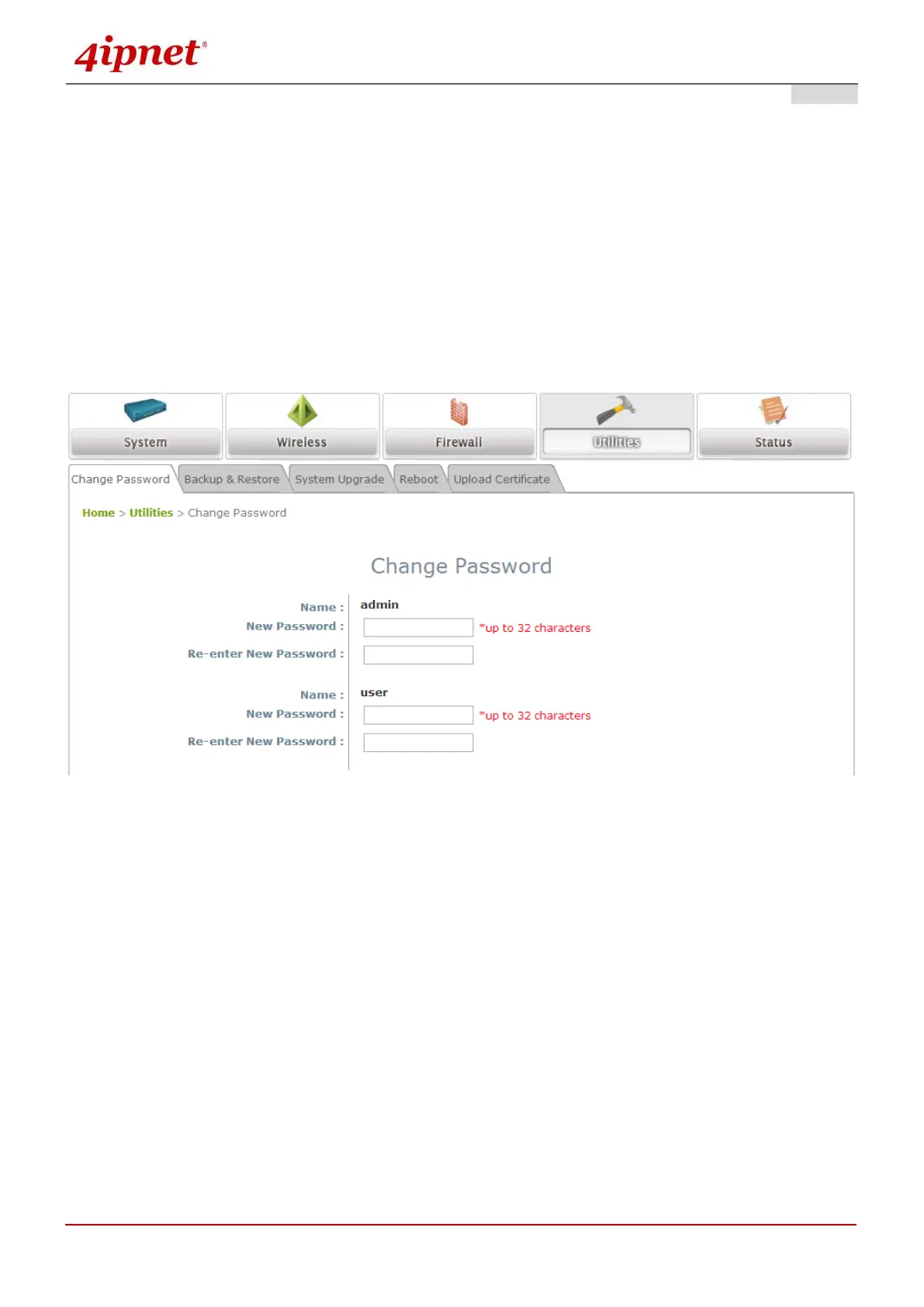
The administrator can update or change password.
“admin” account: Enter a new password, and then re-enter it in the Re-enter New Password field.
Click SAVE to activate the new password.
“user” account: Enter a new password, and then re-enter it in the Re-enter New Password field.
Click SAVE to activate the new password.
In addition to the admin account, there is a “user” account capable of accessing the web management
interface with configuration limitations. The “user” account will not be able to reboot AP or change
wireless settings. This account is typically issued by IT staff for employees to monitor AP statuses.



 To Next Page