User’s Manual
Enterprise Access Point ENGLISH
Copyright © 4IPNET, INC. All rights reserved.
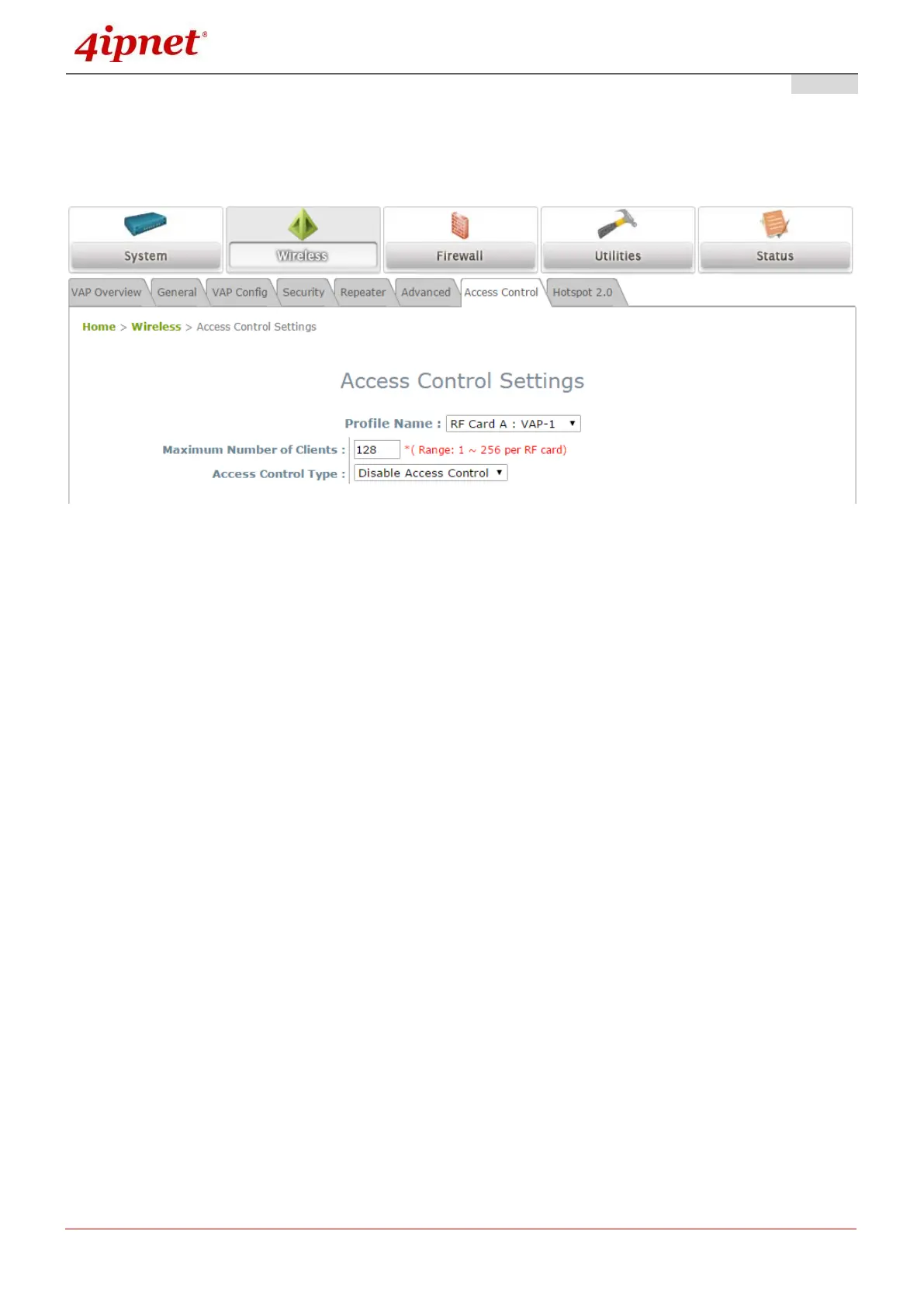
7.2.7 Access Control
On this page, the network administrator can restrict the total number of clients connected to the Access
Point, as well as specify particular MAC addresses that can or cannot access the device.
Access Control Settings Page
Maximum Number of Clients
The 4ipnet Access Point supports various methods of authenticating clients for wireless LAN access.
The default policy is unlimited access without any authentication requirement. To restrict the station
number of wireless connections, simply change the Maximum Number of Stations to a desired
number. For example, when the number of stations is set to 20, only 20 stations are allowed to
connect to the specified VAP.



 To Next Page