User’s Manual
Enterprise Access Point ENGLISH
Copyright © 4IPNET, INC. All rights reserved.
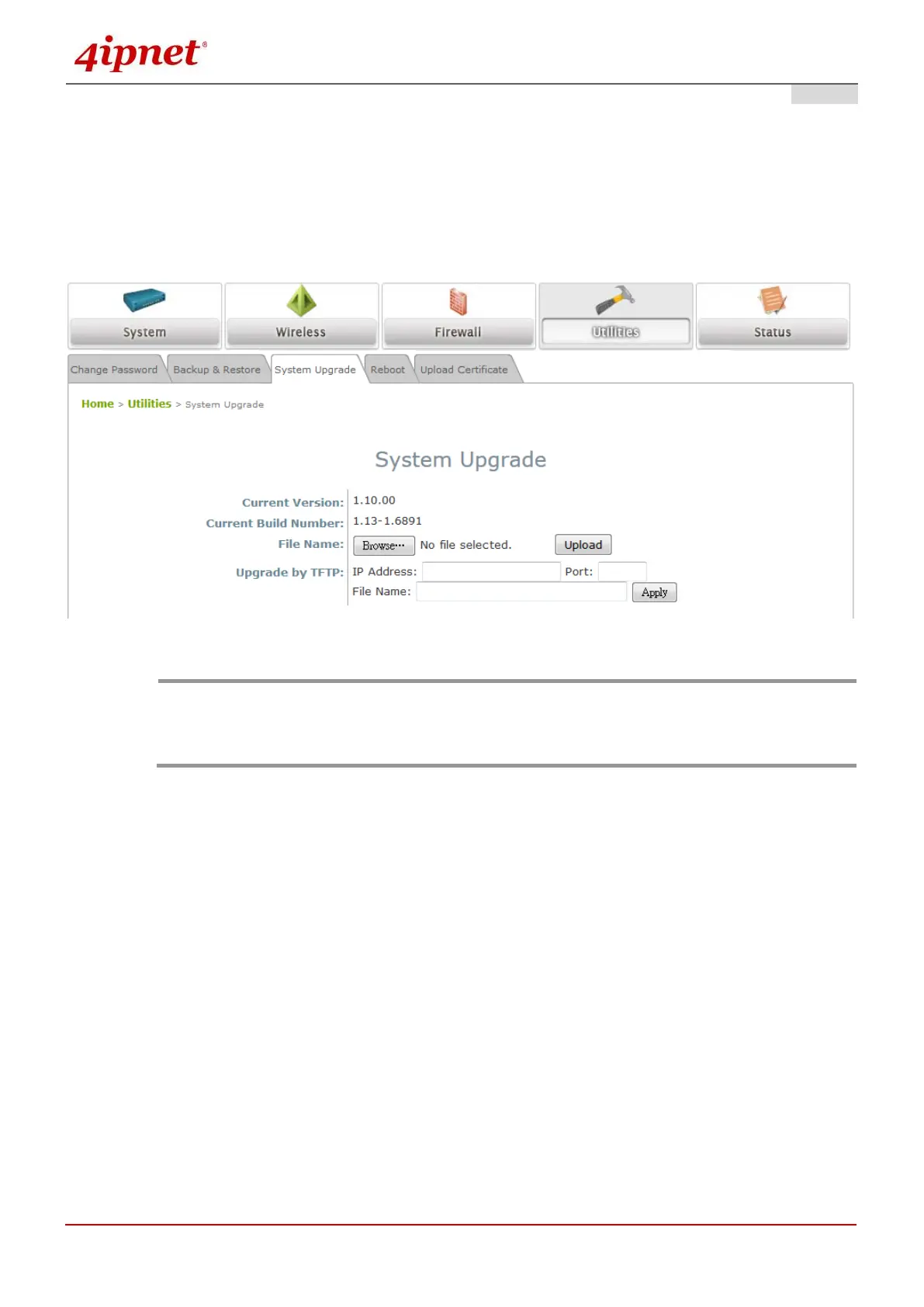
8.4.3 System Upgrade
To upgrade the system firmware, click Browse to search for the new firmware file, and then click Upload to
execute the upgrade process. The first step is to acquire the correct firmware file and supply it in the UI field.
During firmware update, please don’t turn off the power to prevent from damaging the device permanently.
To prevent data loss during firmware upgrade, please back up the current settings before
proceeding further.
Please restart the system after the upgrade. Do not interrupt the system, i.e. power on/off,
during the upgrade or restart process as this may damage the system.



 To Next Page