User’s Manual
Enterprise Access Point ENGLISH
Copyright © 4IPNET, INC. All rights reserved.
6. Creating a WDS Bridge between two APs
WDS link creation is convenient for extending network coverage where running wires is not an option,
effectively transferring the traffic to the other end of WLAN/LAN through the AP. Since this is a peer to
peer connection, both APs will be configured the same way.
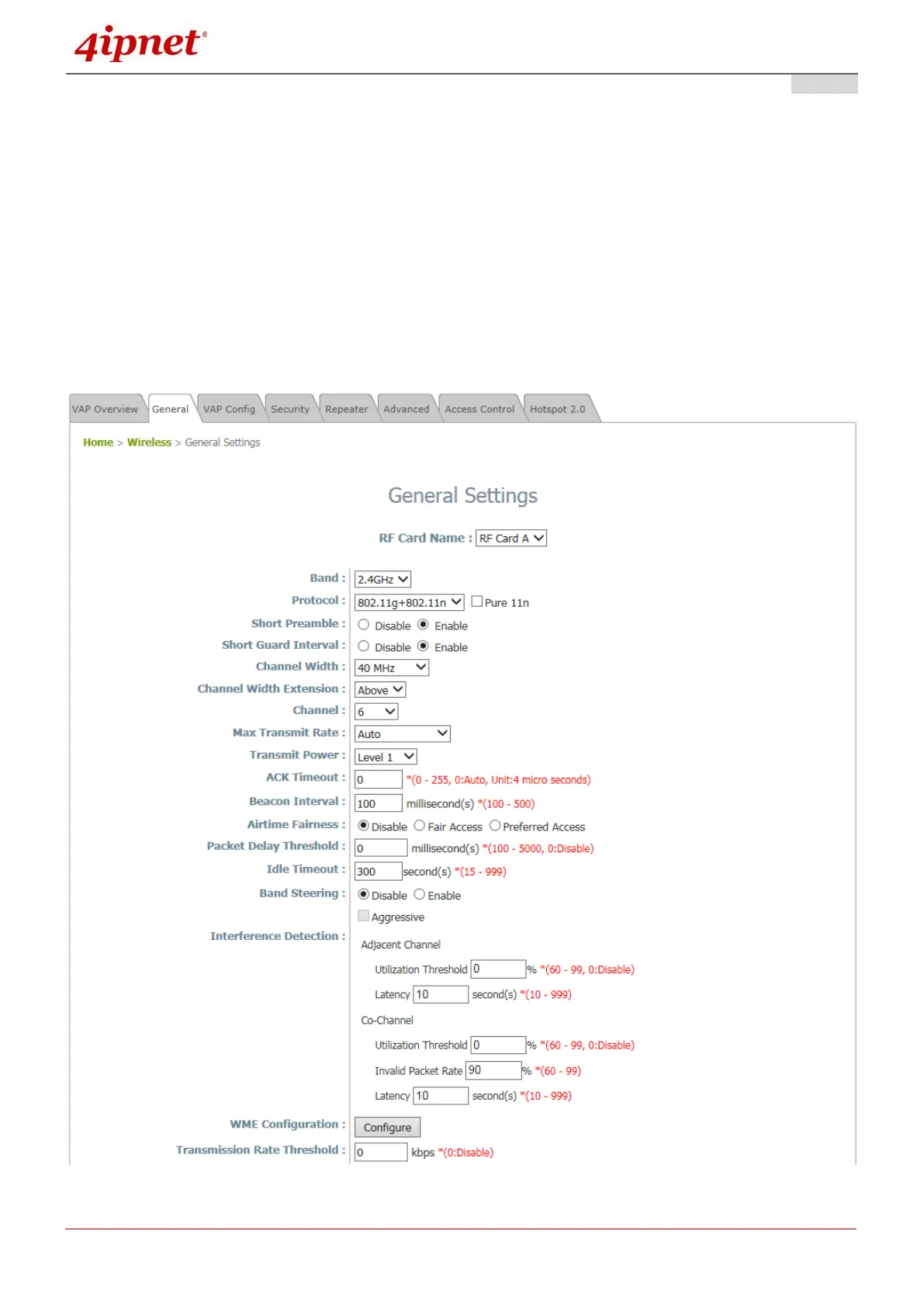
Step 1: Make sure the Band and Channel are matched between the WDS peers
In order to create a valid WDS link, the two APs must be configured to use the same channel and
band for their wireless settings. Click the Wireless icon and then General tab to go to the following
page.
Wireless General Settings Page



 To Next Page