User’s Manual
Enterprise Access Point ENGLISH
Copyright © 4IPNET, INC. All rights reserved.
8.4.4 Reboot
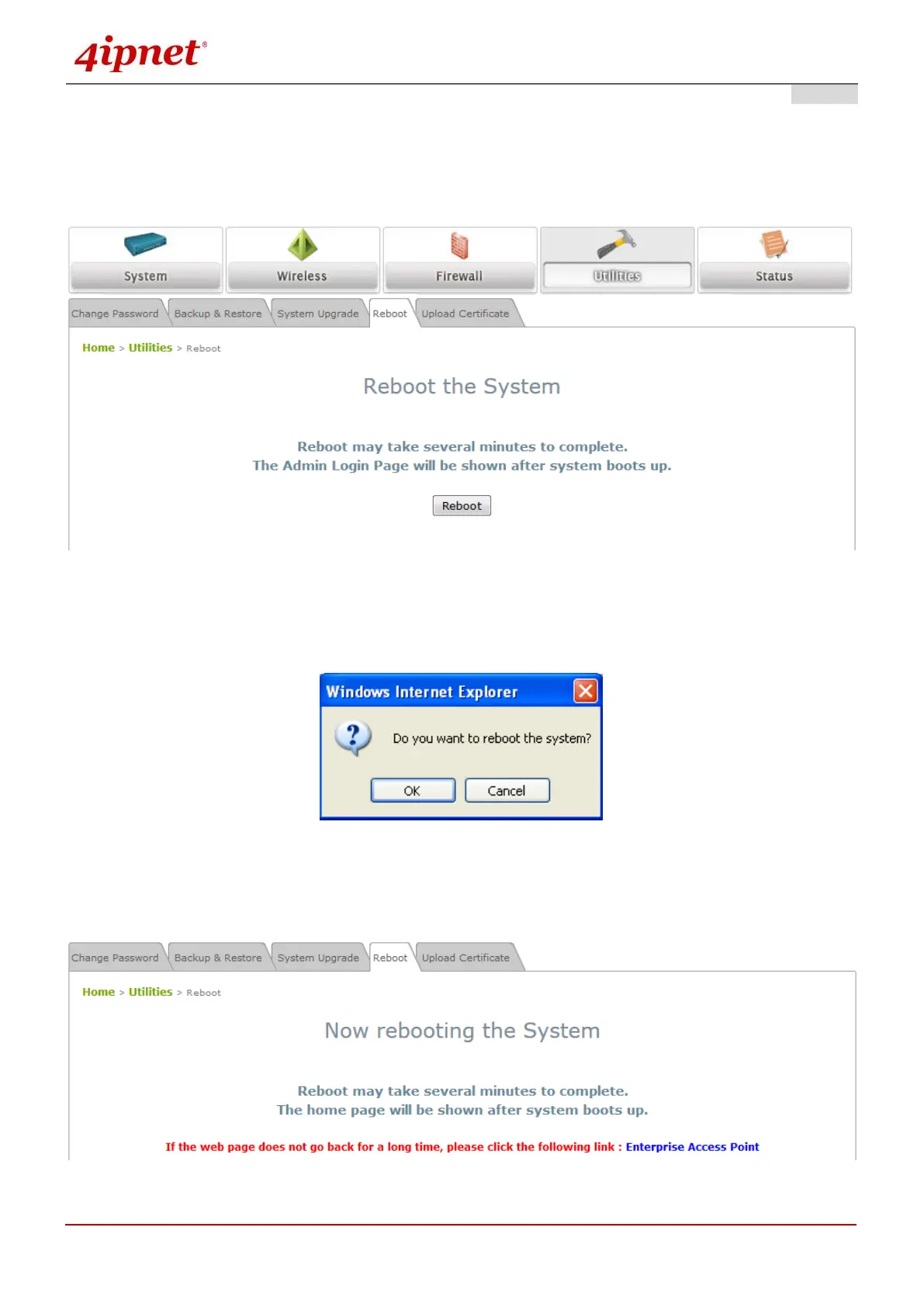
The administrator can reboot the device remotely. Click Reboot to restart the system immediately.
A pop-up will appear to confirm the request to restart the system. Click OK to proceed, or click Cancel to
cancel the restart request.
A warning message as displayed below will appear during the reboot period. The system power must be
turned on before the completion of the reboot process.
The System Overview page will appear upon the completion of reboot.



 To Next Page