User’s Manual
Enterprise Access Point ENGLISH
Copyright © 4IPNET, INC. All rights reserved.
9. Console Interface Configuration
Via the console port, administrators are able to enter the console interface to reset the access point to its
factory default settings. In order to connect to the console port of a 4ipnet access point, a console,
modem cable, and a terminal simulation program, such as PuTTy are needed. There are 2 ways to
access the console interface:
1. Direct Connection
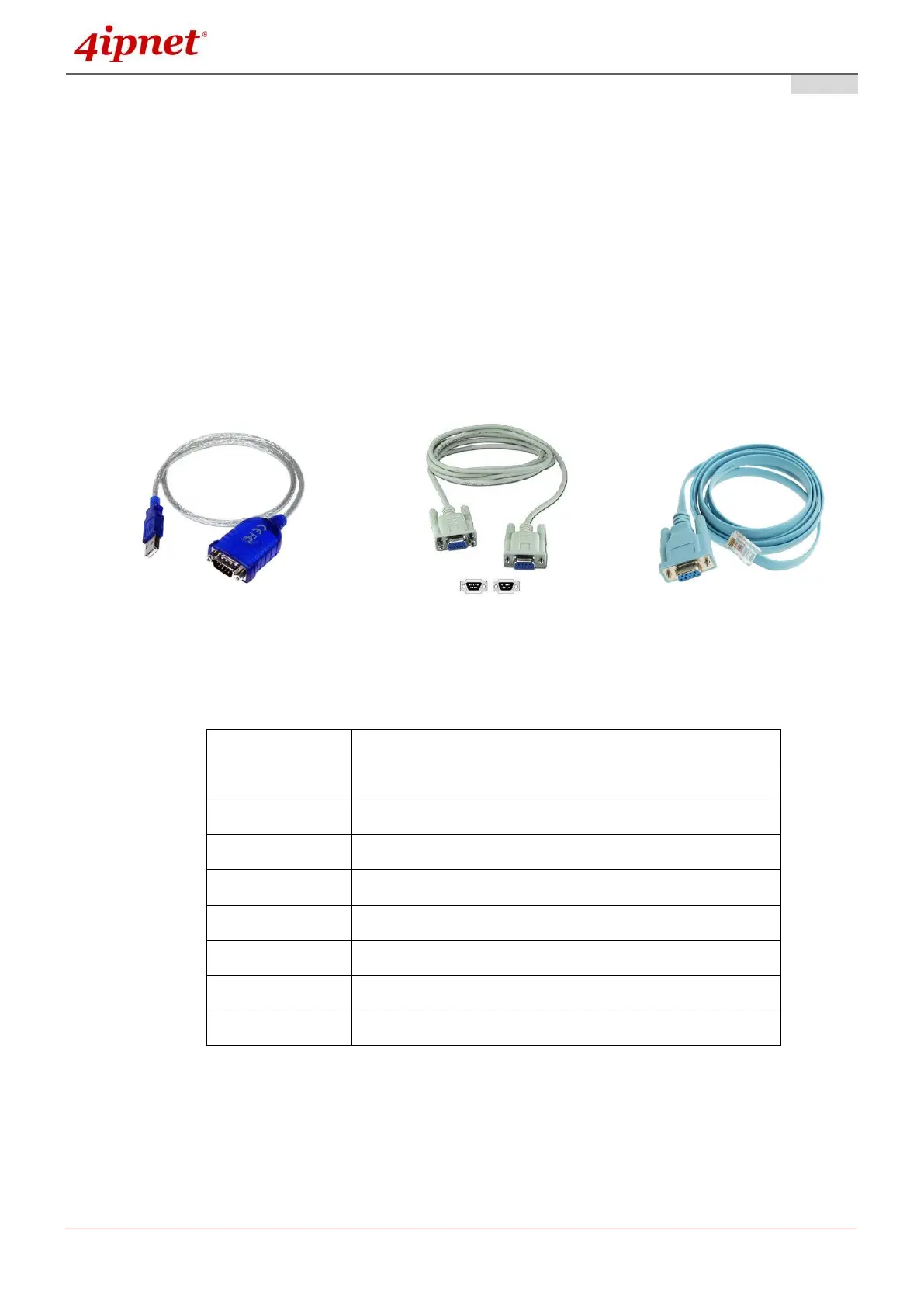
Notebook > USB-to-RS232 with DB9 connector > Console Cable > Console Port
The USB-to-RS232 cable is not supplied with standard packaging. It is recommended to use only the
console cable provided with the packaging.
USB-RS232 Console Cable-RS232 Console Cable – RJ45
The speed (baud rate) needs to be selected for direct connections and the baud rate is summarized
as follows:



 To Next Page