User’s Manual
Enterprise Access Point ENGLISH
Copyright © 4IPNET, INC. All rights reserved.
System Information Page
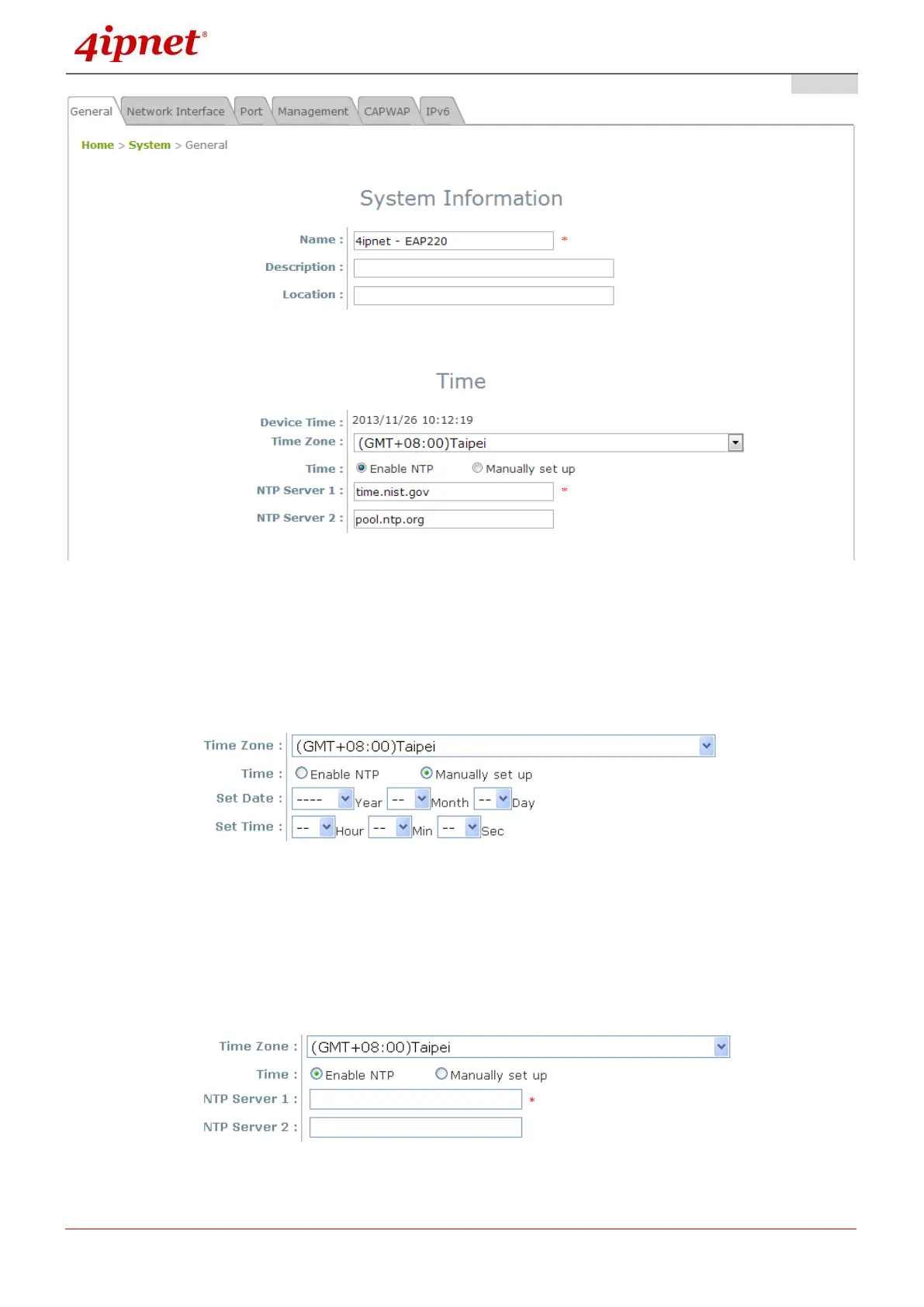
There are two methods of setting up the time: Manual (indicated by the option Set Date & Time) and
NTP.
The default is Manual and requires individual setup every time the system starts up. Simply choose a
time zone and set the time accordingly. When it is finished, click SAVE.
Manually Time Setup
The alternative method is NTP. Upon selecting NTP under the Time field, the configuration changes
to allow up to two NTP servers. Simply enter a local NTP server’s IP Address (if available) or search
online for an NTP server nearest to you. Set the time zone and click SAVE.
NTP Setup



 To Next Page